This driver is used to connect newer Gardena devices.
To use this driver, an application key must be created in the developer portal: https://developer.husqvarnagroup.cloud/.
ATTENTION:
Only a maximum of 3000 queries per month and not faster than once per 15 minutes are possible!
Register/Logon:
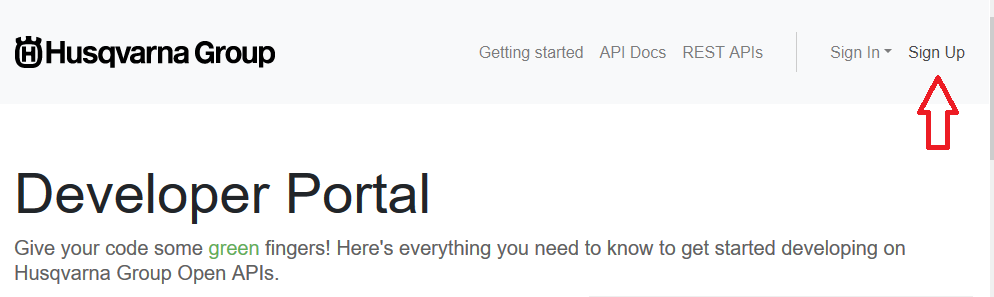
Registration, if no account has been created yet
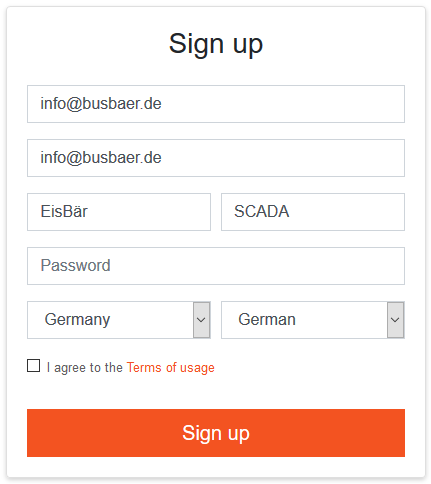
Create the applications key:
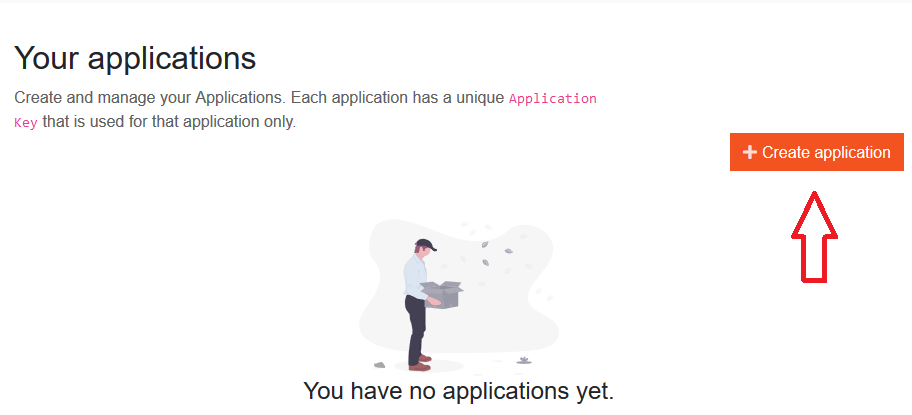
Create a name for the application:
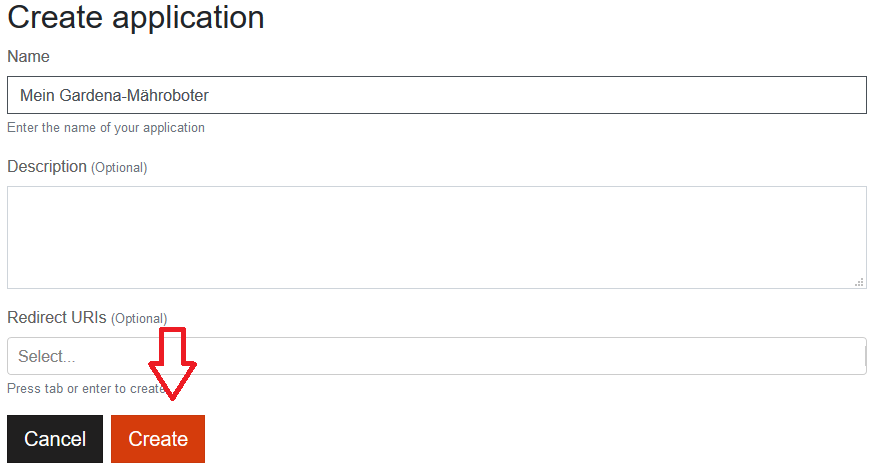
If a "Redirect URI" is required, enter it here: https://api.authentication.husqvarnagroup.dev/v1
After the creation, the application key is displayed below the window. The APIs for this key must now be added.
This key is also required in the Gardena Smart System (V2) driver in the login data.
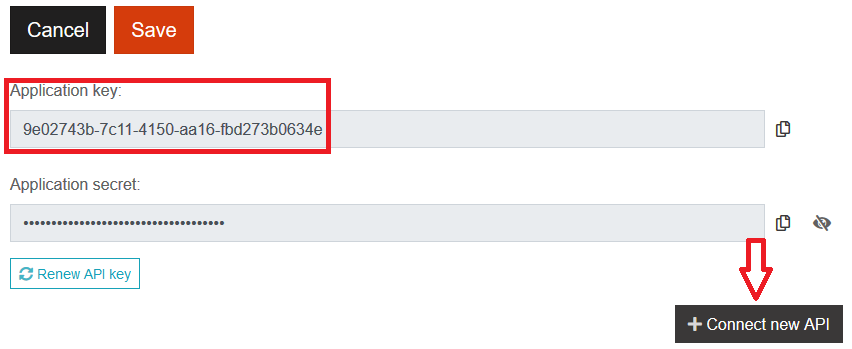
Several APIs are displayed via "Connect new API". The APIs listed below must at least be selected in order to be able to control the Gardena devices:
Authentication API
GARDENA smart system API
Troubleshooting:
{"message": "forbidden"} = API was not added in the portal (connected)
{"error": "invalid_grant" ... } = Wrong username and/or password
{"error": "invalid_client" ... } = APP Key incorrect
{"message": "Limit Exceeded"} = Maximum request of 3000 has been reached. This will be reset at the turn of the month.