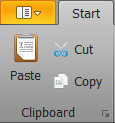
The menu can be accessed through the "Start" ribbon.
|
Clipboard (Microsoft Standard - Cut "Ctrl+X", Copy "Ctrl+C" and Paste "Ctrl+V")
|
|
Simulation "switches" the editor to live mode, allowing the project to be tested directly in the editor without having to start the project via the server. All drivers are activated. When connected to the system, the system is queried and controlled. The simulation ends automatically after one hour. (In simulation mode, drivers and components that are invisible in the client are visible.) |
|
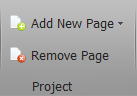
Add page "Ctrl-N", add master page "Ctrl-M" remove page |
|
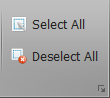
Select all "Ctrl-A", Deselect all "Ctrl-Shift-A" components on the current page |
|
Component property, Bring to front, Move to back, Z-Level |
|
Change arrangement of the component evenly and distances larger one another or out. |
|
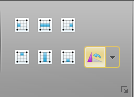
Align two or more selected components. Left, Top, Right, Bottom |
|
Distribute componente, Top, Center Bottom, Left, Middle, Right |
|
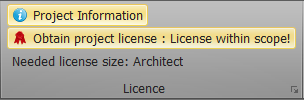
License of the loaded project |