Open IQ PanelControl - Shell
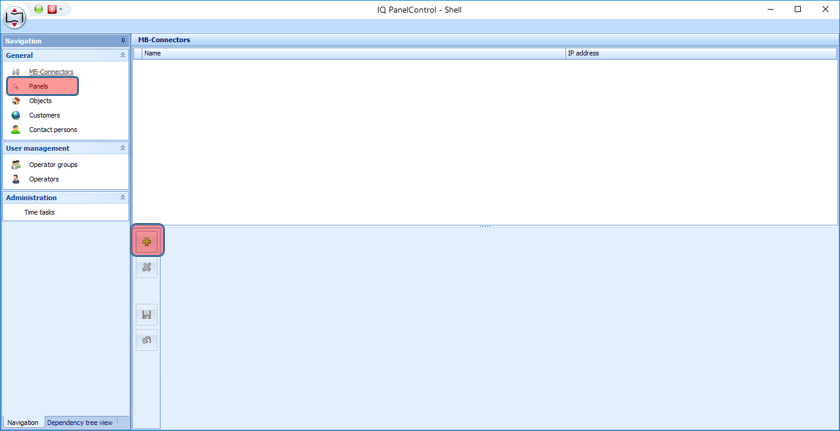
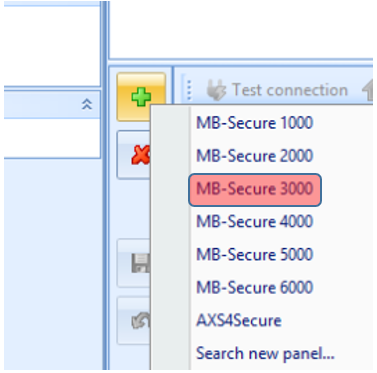
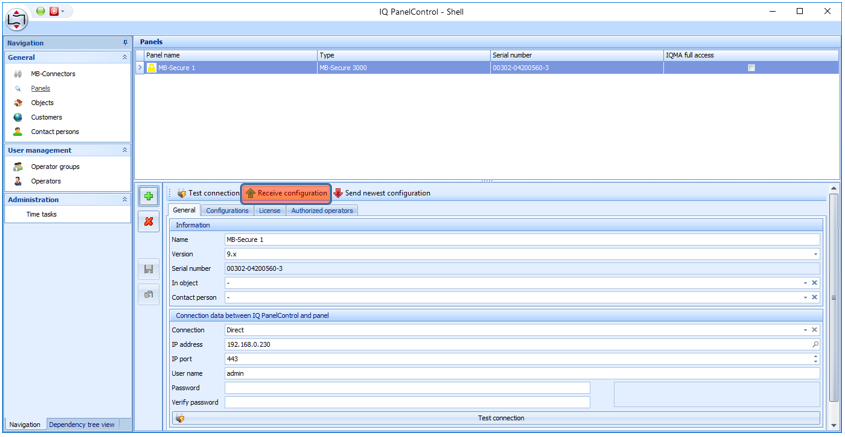
Under <General> select the option <Panels> and create a new panel with the <PLUS> button (select in the combo box "MB-Secure 3000")
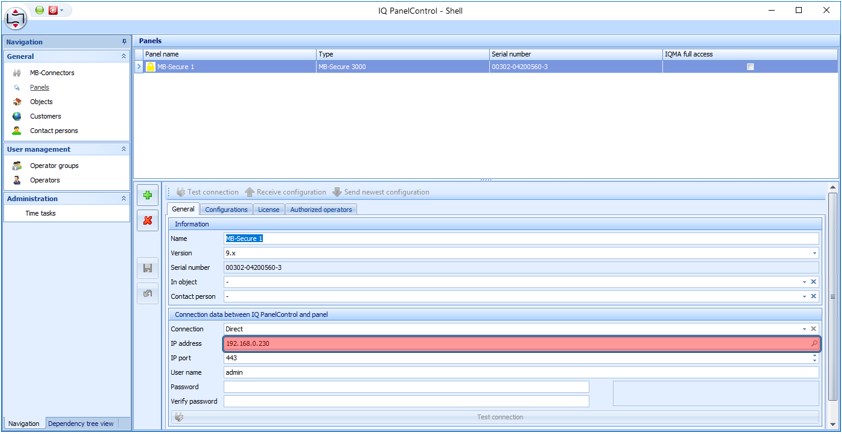
Enter or search the IP address (magnifying glass on the right) and Save (diskette symbol)
Use <Receive Configuration> to read out the current configuration from the alarm system.
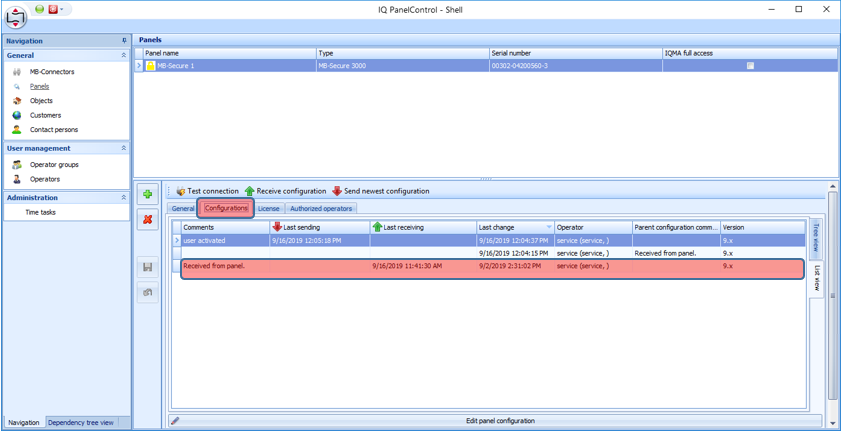
Switch to the <Configurations> tab and open the IQ PanelControl by double-clicking on the newly downloaded configuration
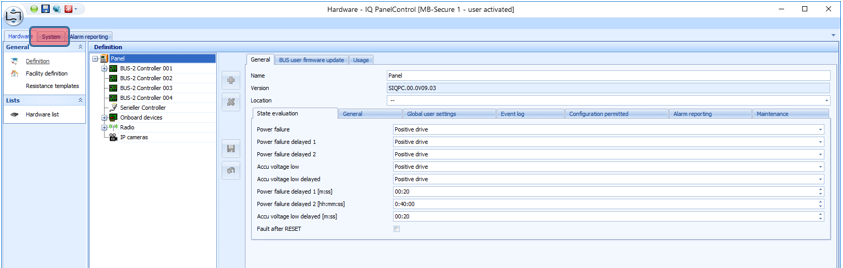
Change to the <System> tab
Select links under <Remote Applications> "Remote Clients"
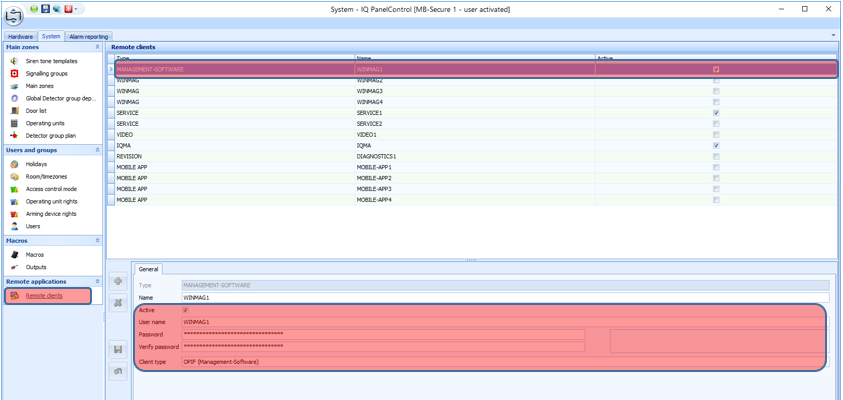
There, select the user WINMAG1 and select "Active" below, assign a password and select "OPIF" as <Client type> and save (floppy disk symbol on the left)
Save the entire configuration (floppy disk icon above - specify a comment)
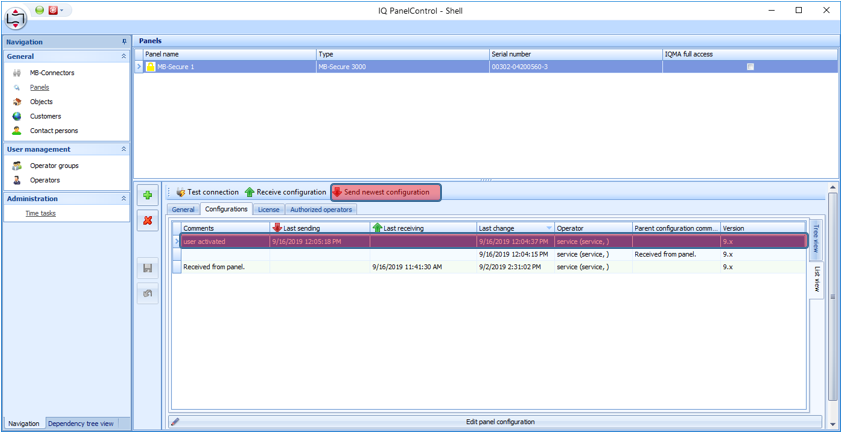
Switch back to the IQ PanelControl shell, select the new configuration (check comment) and write to the system using <Send newest configuration>.