This driver is used to connect to RAPIX DALI Ethernet interfaces.
RAPIX also has presence detectors and pushbuttons on DALI. These devices have different profiles, e.g. different overtravel times or functionalities such as fully automatic or semi-automatic.
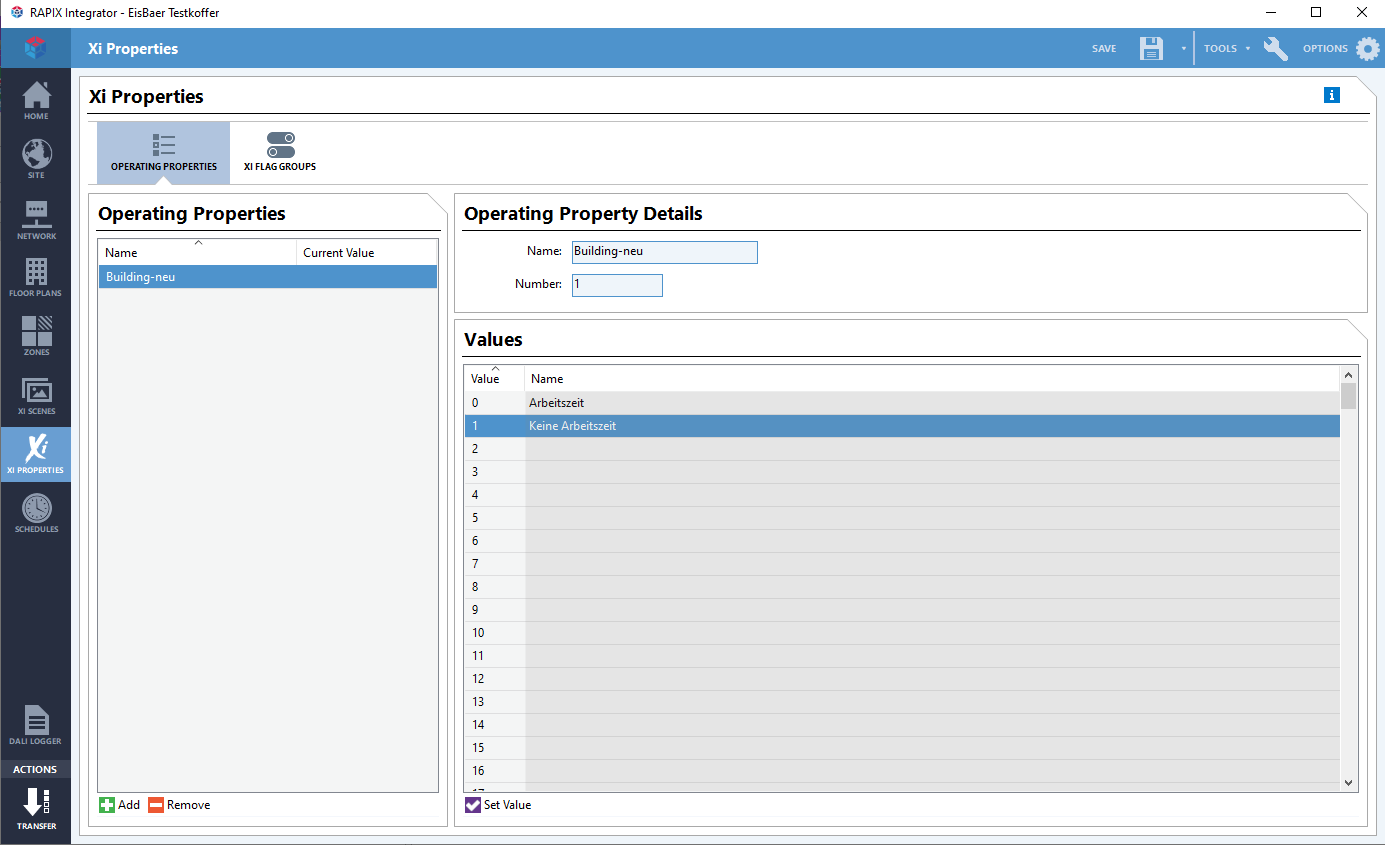
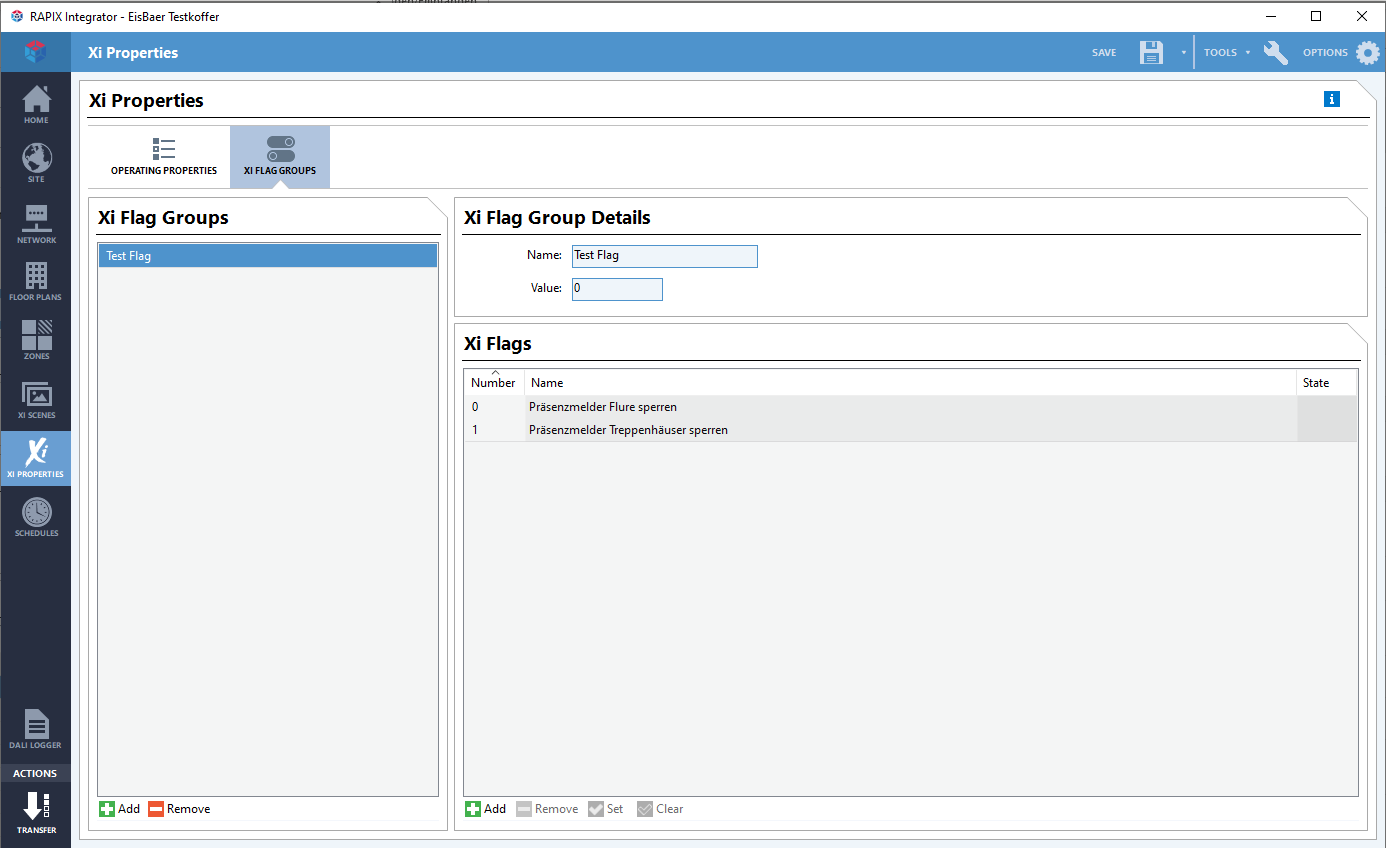
These profiles can be switched via the so-called XI operating flags. These must be created in the Rapix Integrator and can then be imported into the driver.
The so-called XI flags can be used to block presence detectors or also pushbuttons, e.g. individually or in groups.
Data points of the component
Name |
Type |
Function |
|---|---|---|
Driver On/Off |
Bidirectional |
Switch driver on or off. |
Dali |
Folder |
The following data points are available for lines 1 to 4: |
- Error - Error present |
Output |
An "on" signal indicates whether an error is present. |
- Error - Brightness(es) unknown |
Output |
An "on" signal indicates that the scan has not been completed and therefore not all data is present. |
- Error - OK |
Output |
An "on" signal indicates that no error occurred during the test. |
- Test result |
Output |
Outputs the test result in DALI format. This data point is linked to the DALI Emergency Light Manager (Dynamic-->Gateway-->Devices). |
- Test trigger |
Input |
Test trigger in DALI format. This data point is linked to the DALI Emergency Lighting Manager (Dynamic-->Gateway-->Devices). |
Dynamic |
Folder |
Here the subfolders for flags, properties and zones (see below) are created. Flags and properties are only displayed if they have been created in the RAPIX integrator. |
System |
Folder |
General data points are grouped together in this folder. |
- Diagnosis [Text] |
Output |
Attention: Diagnostic or Debug - Outputs are only for error cases. Please use only after consulting with the support team! If used, these can significantly affect the performance of the service. |
- Event messages Controller [Text] |
Output |
All events of the controller are output here as text. |
- Send Response [Text] |
Output |
Text output of responses from commands sent from the Polar Bear. |
- Query status of all zones |
Input |
An on or off signal is used to query the status of all zones. |
- Driver Status |
Output |
Shows if there is a connection to the gateway or not. |
Data points in the zone
Name |
Type |
Function |
|---|---|---|
Dimming Dark/bright |
Input |
Increases / decreases the brightness in the increment corresponding to the number sent on the data point. |
Color - (10 data points) |
Bidirectional |
Set the corresponding color (R=red, G=green, B=blue, W=white, A=amber, F=freecolor, XY(X)=X portion of XY color space, XY(Y)=Y portion of XY color space) |
Error - (8 data points) |
Output |
Outputs an on signal when a corresponding error is detected. |
Error code |
Output |
Output of the error code in DALI format. |
Messages [Text] |
Output |
Text output with all information about the zone sent by the controller. |
Switching |
Bidirectional |
Switches the zone on/off. |
Fade time [s] |
Input |
Possibility to set the fading time in seconds. |
Value |
Bidirectional |
Brightness value setting with fading time. |
Value direct |
Bidirectional |
Brightness value specification without fading time. |
Target value |
Bidirectional |
Brightness value specification without fading time. |
Properties of the component
Name |
Default |
Function |
|---|---|---|
Server |
|
IP address of the server |
User name |
|
User name, which was entered in RAPIX-Integrator |
Password |
|
Password, which has been entered in the RAPIX-Integrator |
Zone / Scene |
0 |
Imports the zones and scenes from the gateway. |
Operating properties |
0 |
Imports the operating properties from the gateway. |
Flags |
0 |
Imports the flags from the gateway. |
Response timeout [s] |
3 |
If no response is received within the specified time, a timeout is detected. |
Dali Update Interval [min] |
1 |
The Dali lines are polled at the set interval. |
Standard fading time [s] |
5 |
Specifies how long the colour change takes (fading time). |
Send fading times at start |
|
If this option is selected, the fading time entered above is transmitted at system startup. |
Driver On/Off |
|
(De)Enable Component |
Rapix Integrator:
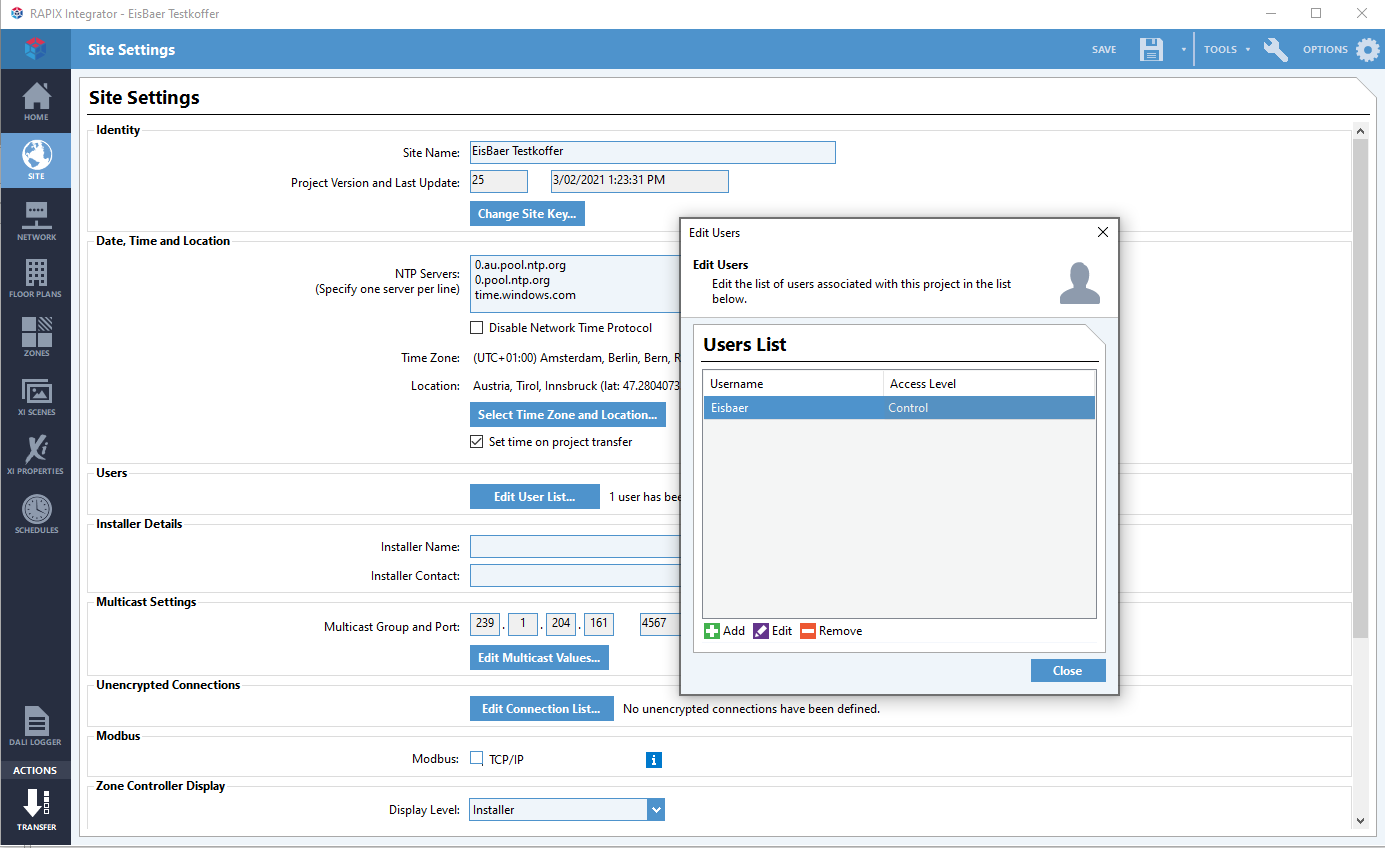
Rapix Integrator Flags: