This driver is used to connect the frogblue technology.
Data points
Name |
Type |
Function |
|---|---|---|
Debug [Text] |
Output |
Error texts are output here. These may e.g. with the "Log window" component. Attention: Diagnostics or debug outputs are only intended for the case of an error. Please use only after consultation with the support team! These may significantly affect the performance of the service when used. |
Debug verbose |
Input |
(DE) Enables extended debug output. Attention: Diagnostics or debug outputs are only intended for the case of an error. Please use only after consultation with the support team! These may significantly affect the performance of the service when used. |
Dynamic |
Folder |
The dynamic data points are created in this folder. For all frogs there are 3 inputs: switching, trigger and value. The user has to know for himself which datapoint he can use. The status outputs are located in the Devices folder and are labeled with switching and value. An output is only made after changing the value of the device. There is no polling. |
Driver On/Off |
Bidirectional |
(De) Activate the component. |
Connection State |
Output |
Returns the current connection status as an on / off signal. |
Properties of the component
Name |
Standard |
Function |
|---|---|---|
Connection |
... |
In this menu the connection is set. For the COM port the interface (USB) is selected. The baud rate must be selected according to the manufacturer's specifications. Same applies to stop bits and parity. |
Message |
0 |
Here the messages are imported. These are the different switching commands. Here both the predefined and the self-created commands are displayed. |
Devices |
0 |
Here the learned devices are imported. |
Driver on / off |
|
Driver on or off |
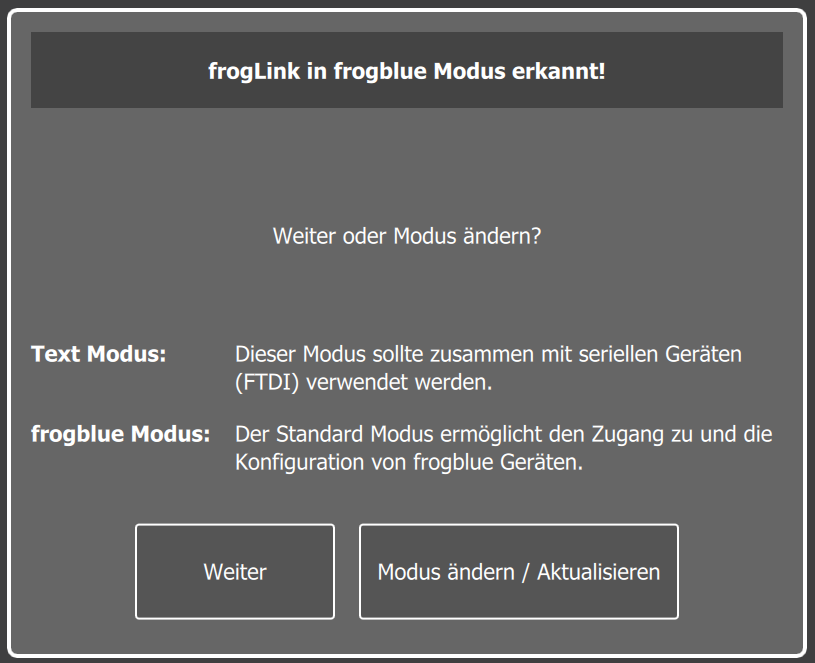
The froglink stick needs to be changed to text mode. (First start the program, then plug in the stick)
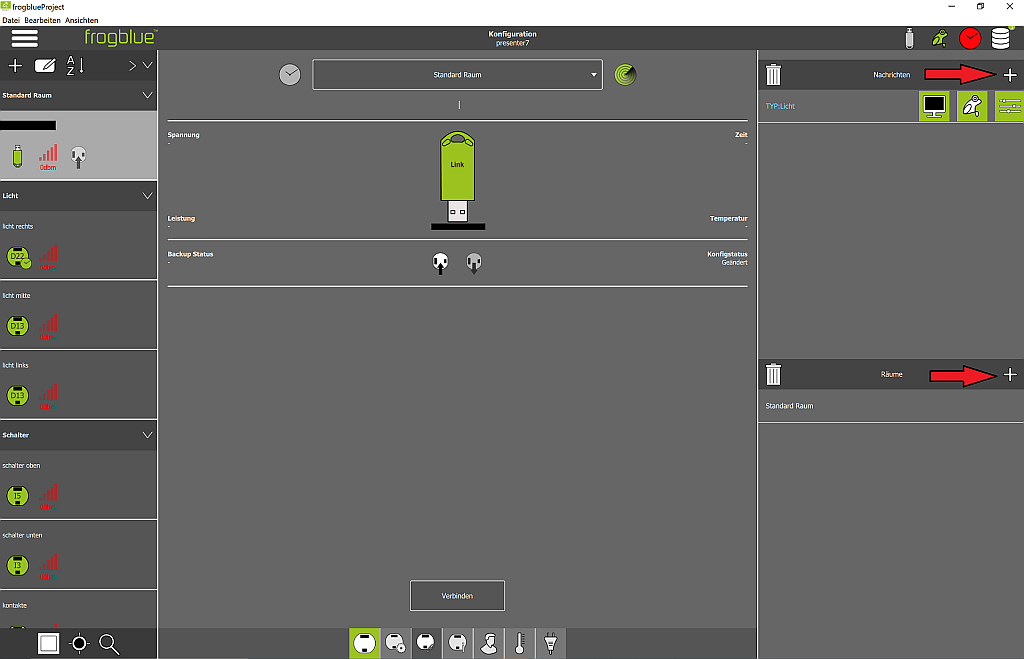
In preparation, the devices in the frogblue project must be released and the rooms created. (Configuration)
Then the list is exported as CSV in the device manager
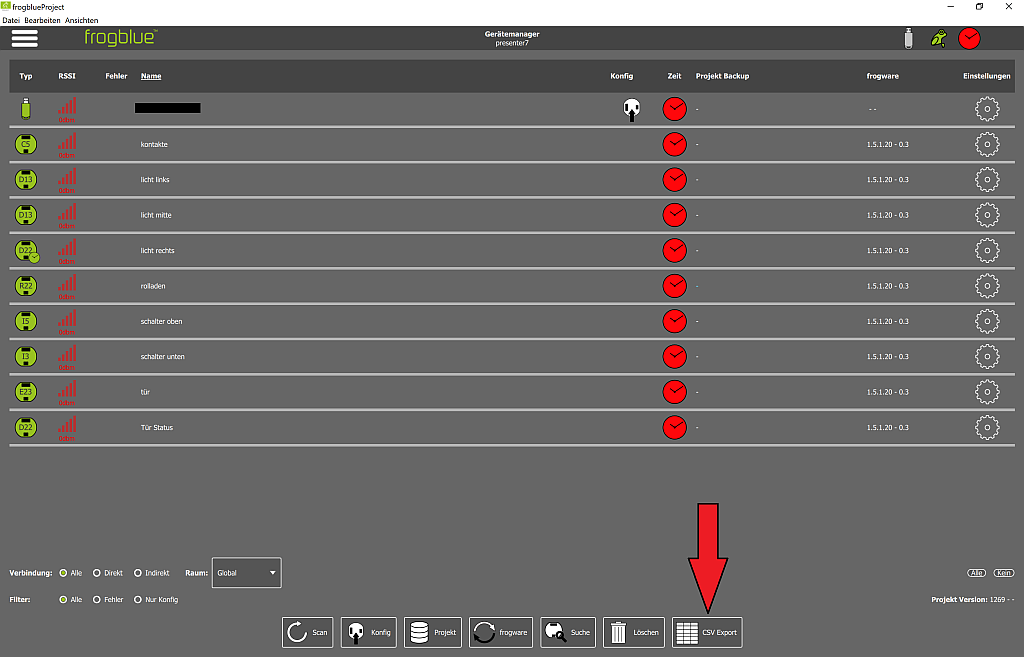
The EisBaer driver then imports the messages from the frogblue stick and the devices from the CSV file.