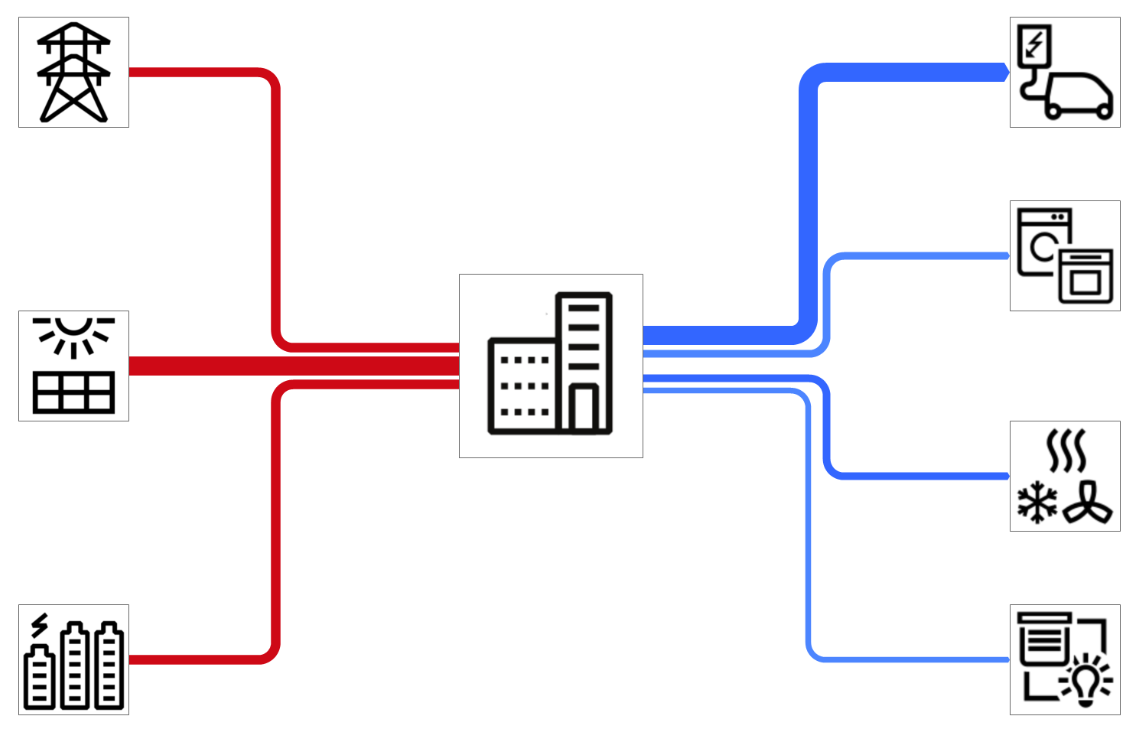
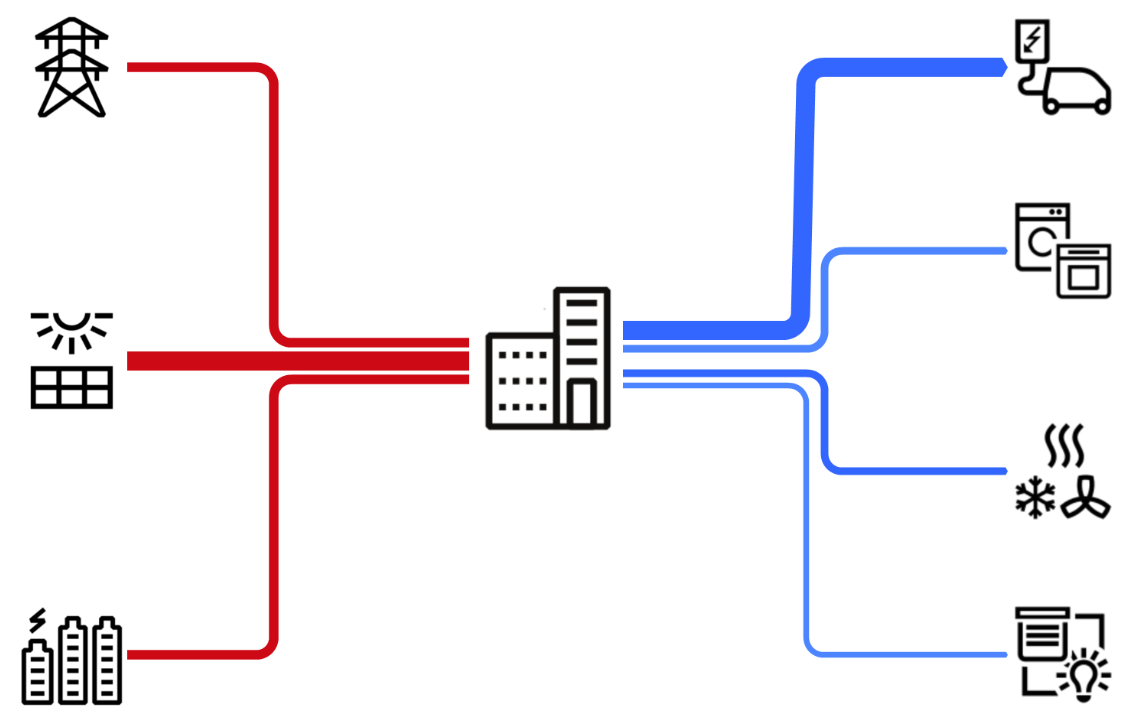
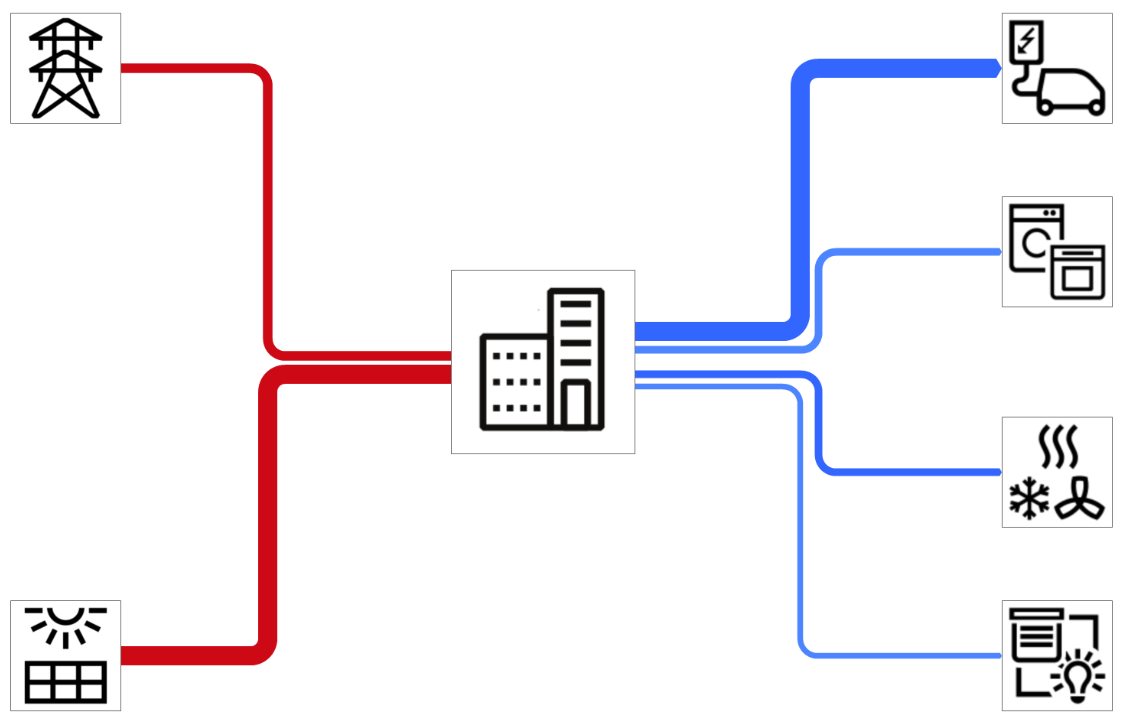
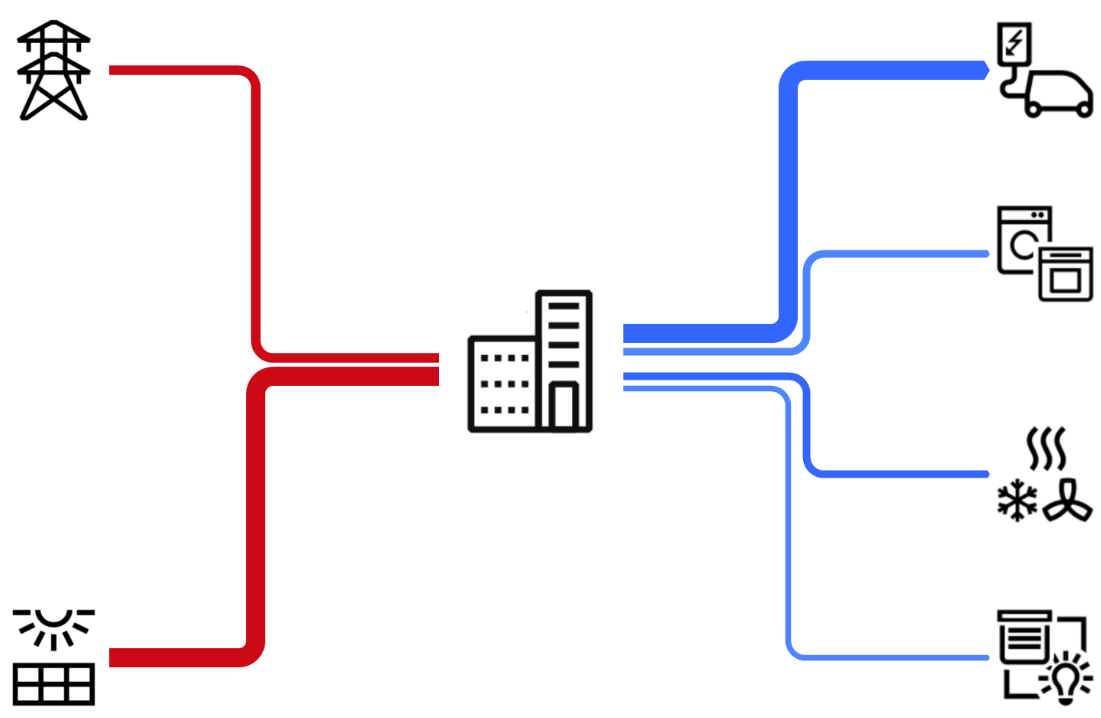
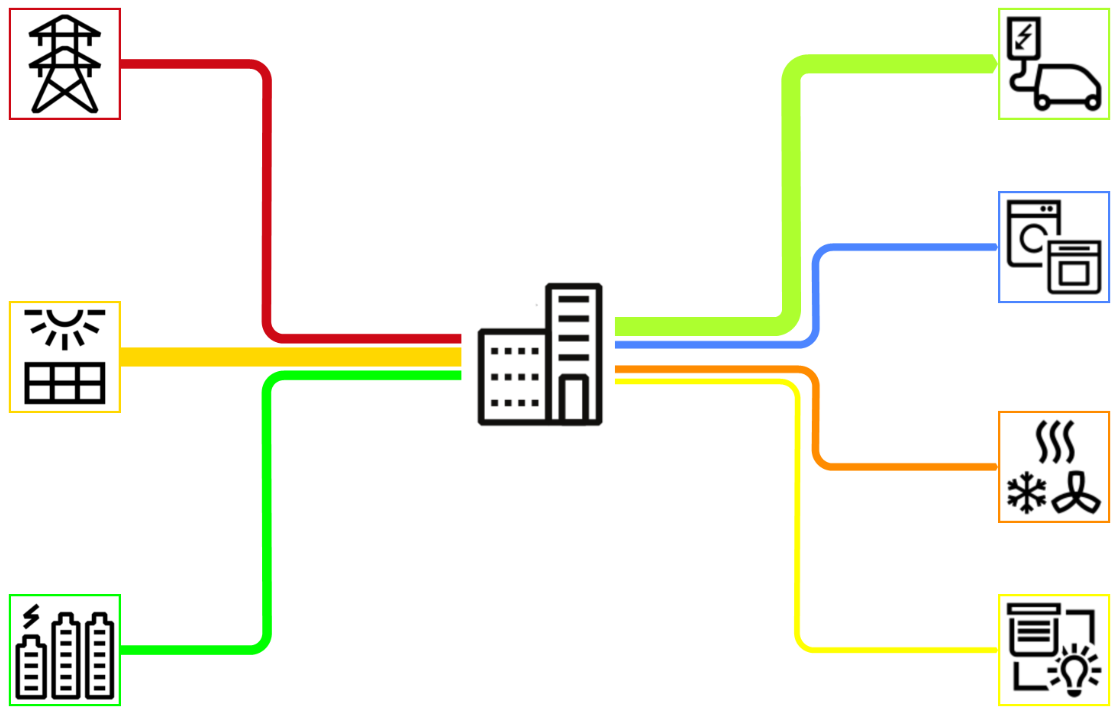
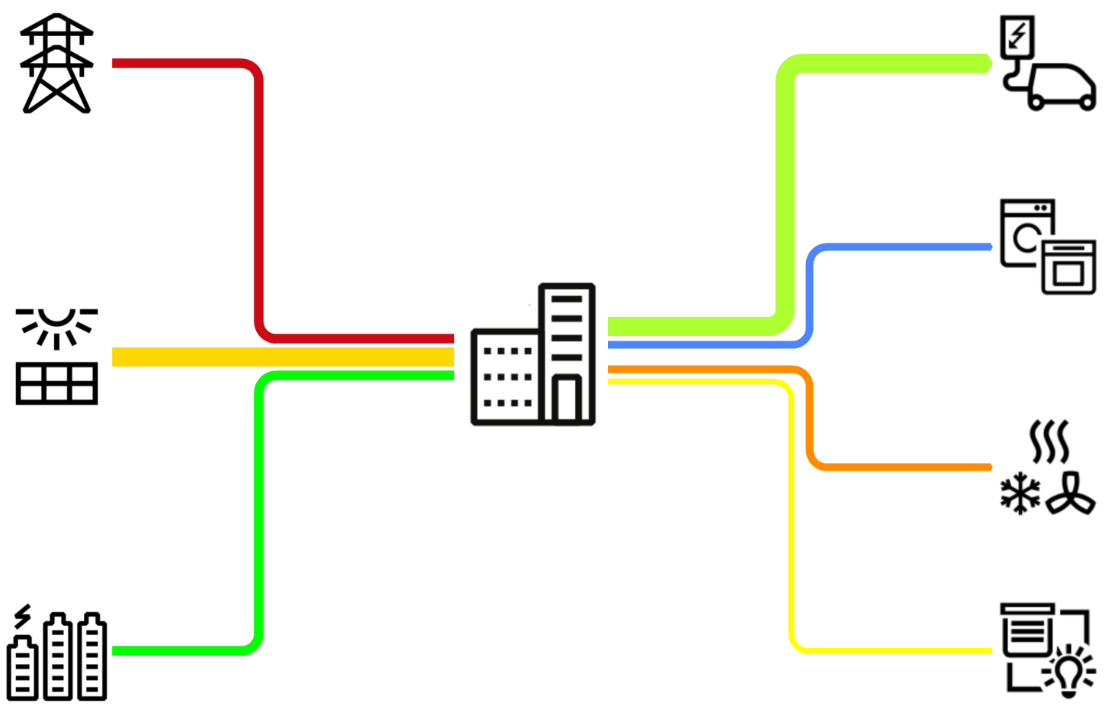
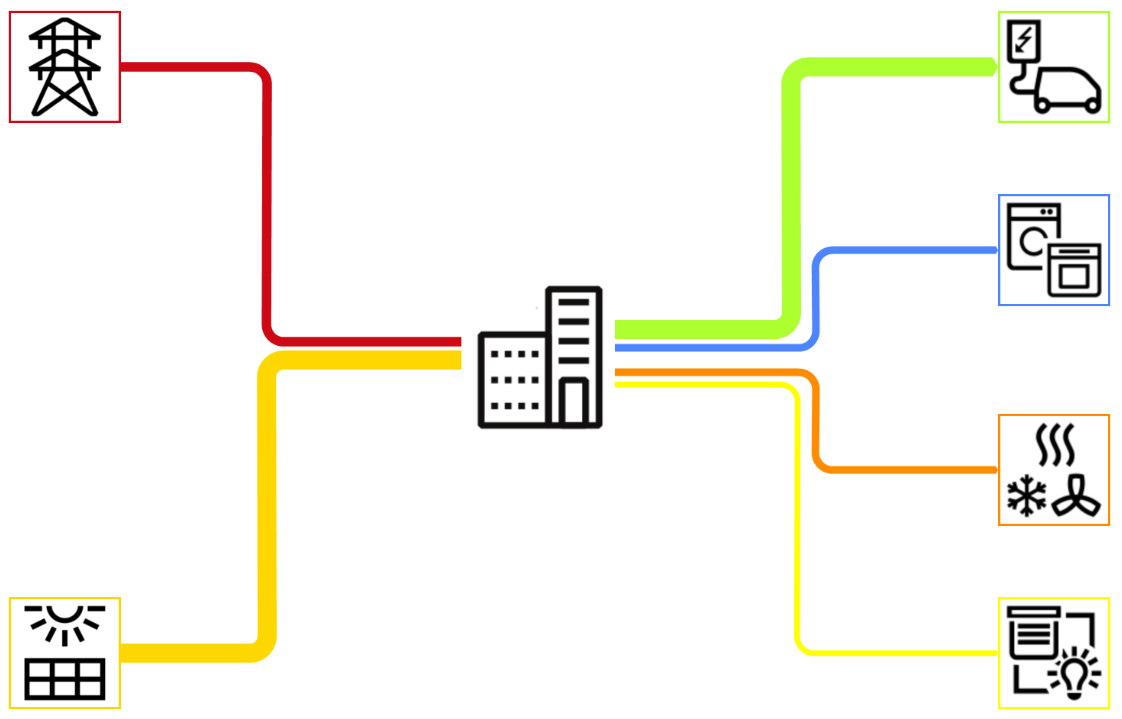
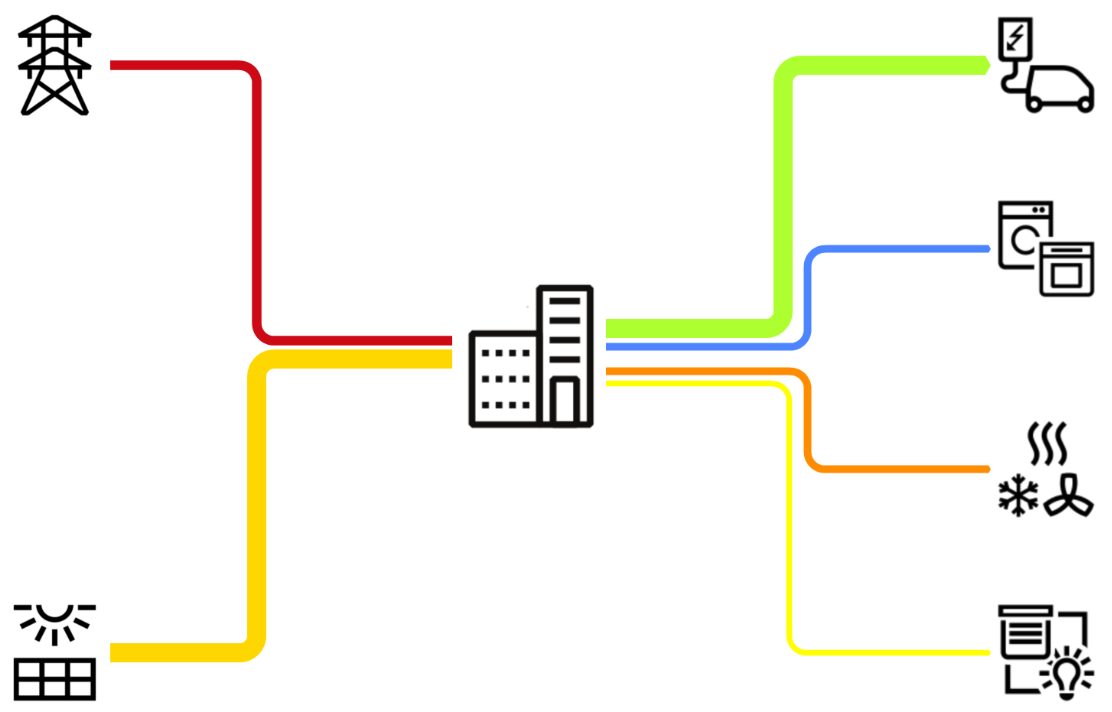
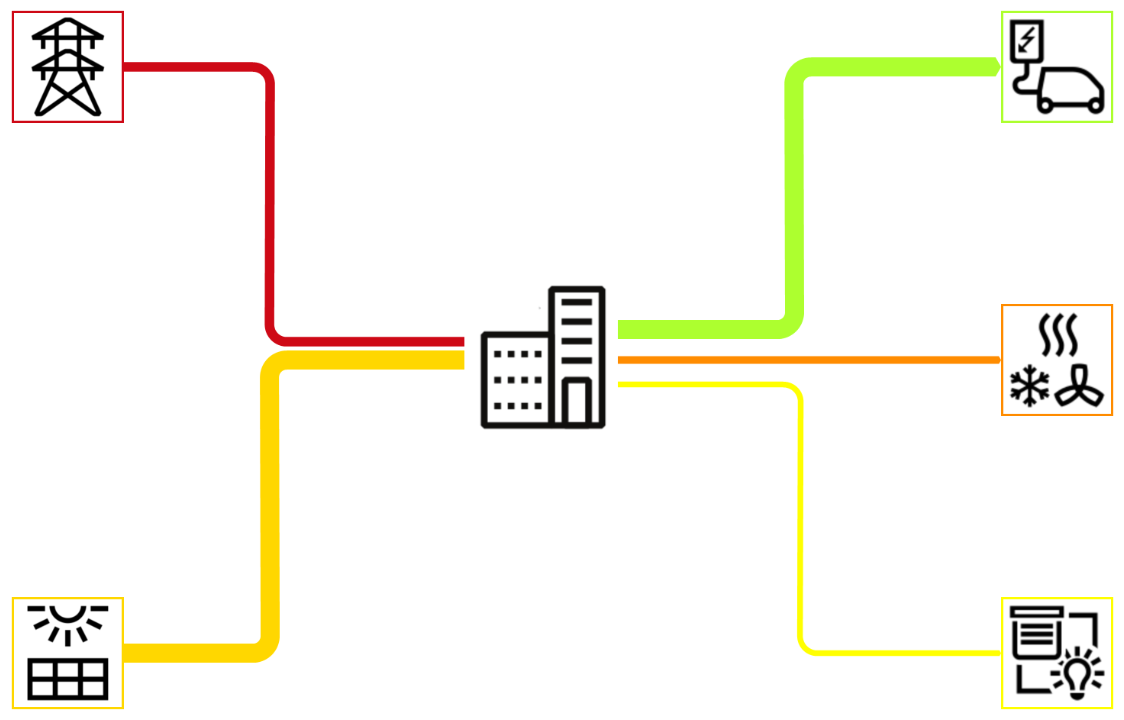
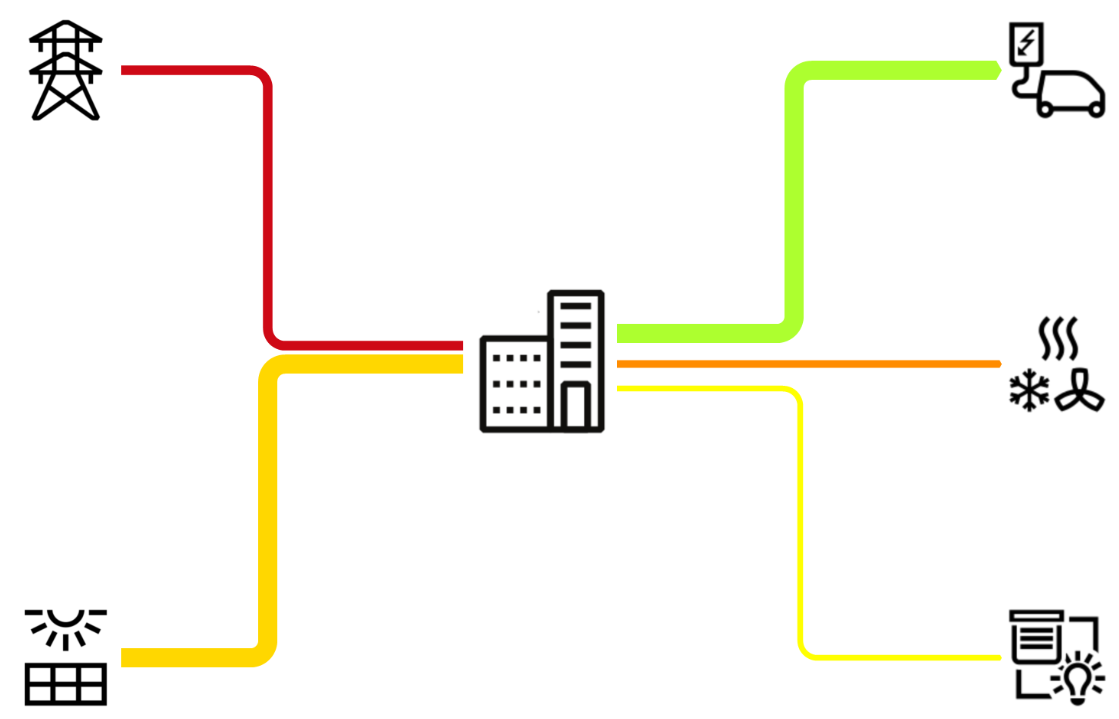
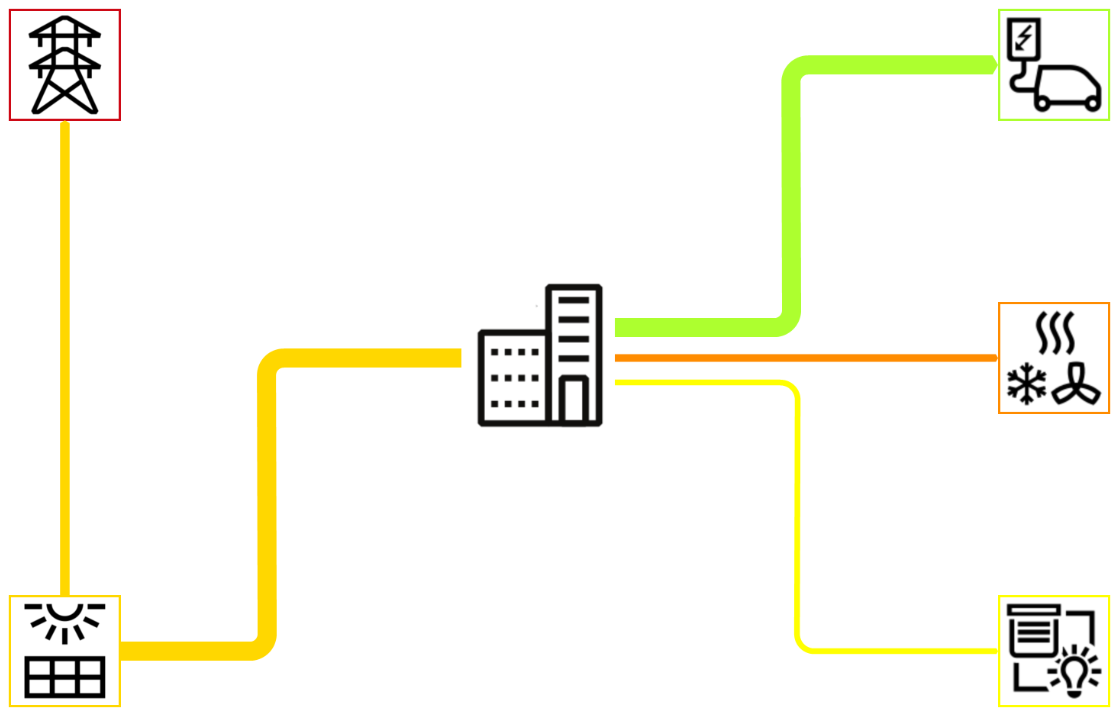
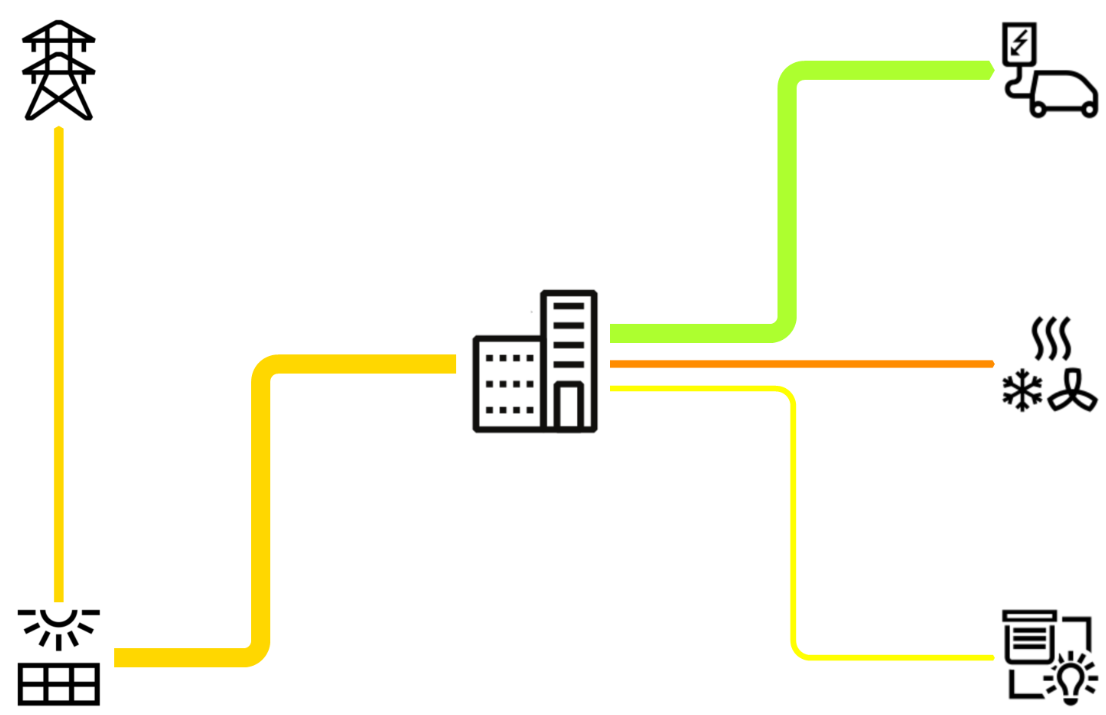
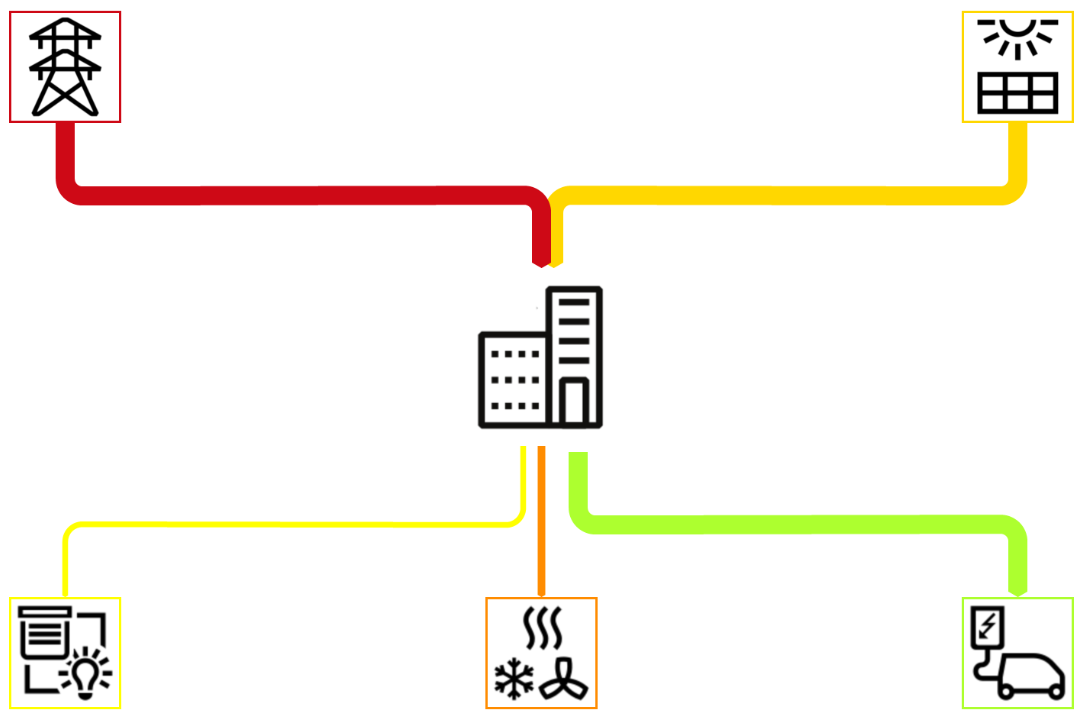
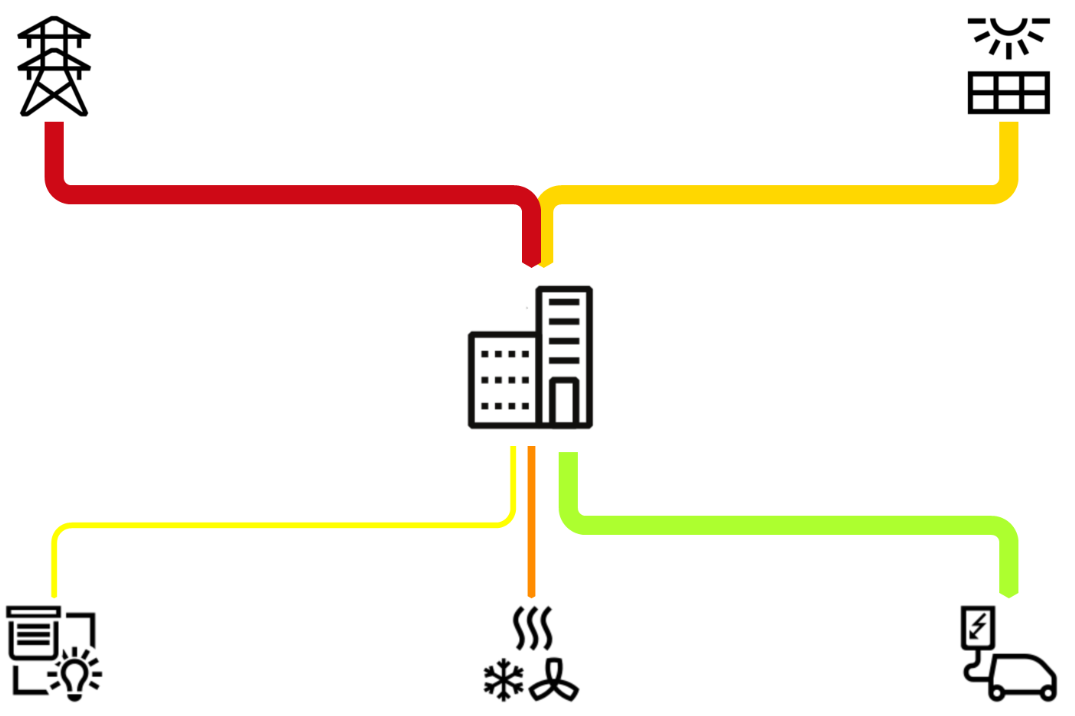
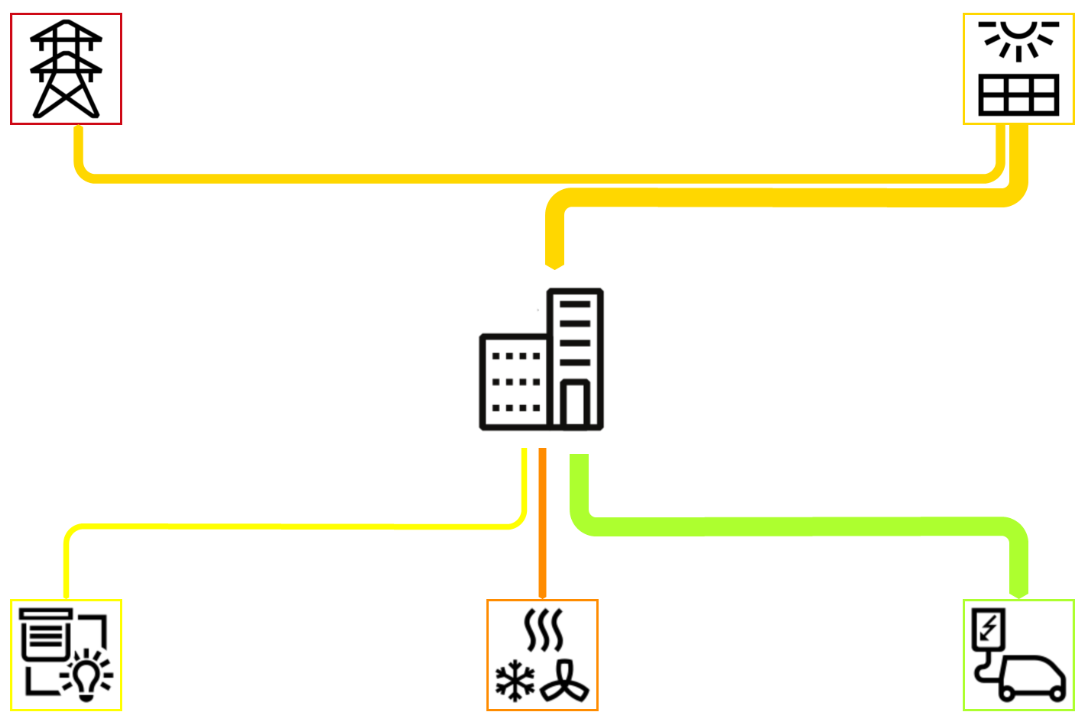
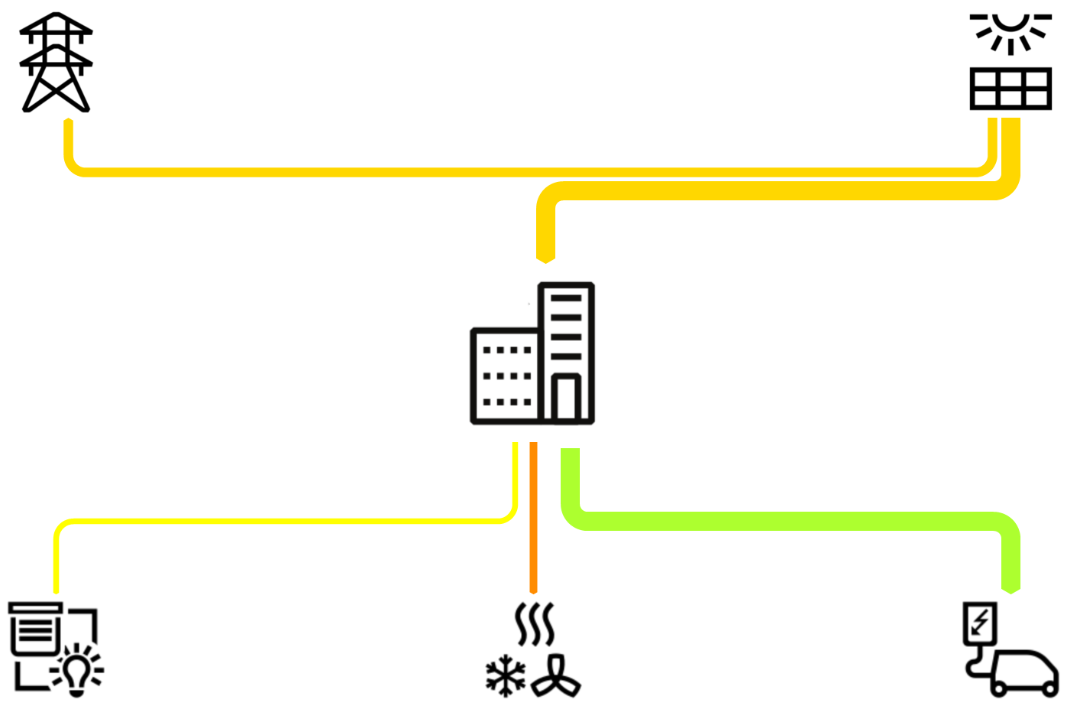
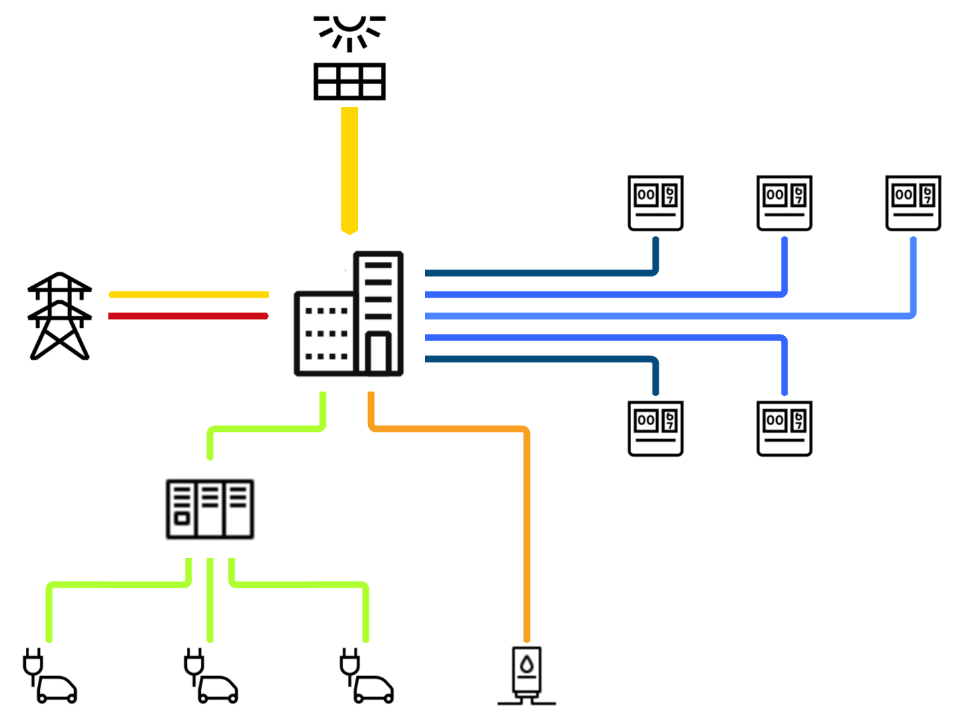
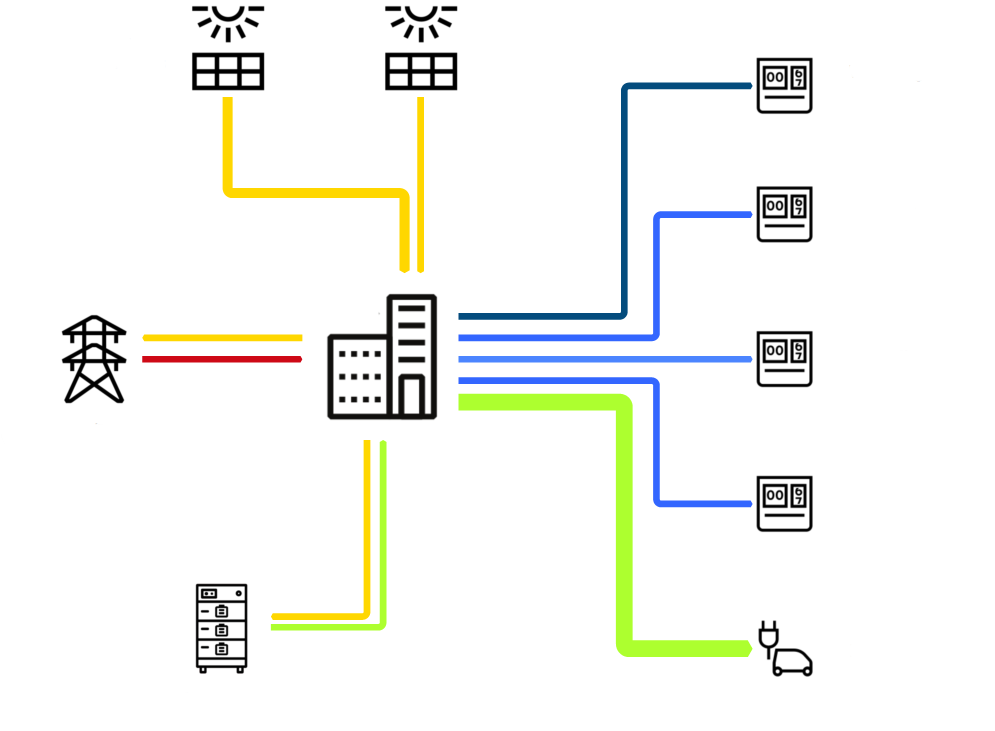
EisBaer now provides ready-made eSankey diagrams for visualising energy and data flows. These allow consumption and flow data to be clearly displayed directly in the EisBaer visualisation.
We offer diagrams for various building types, including detached houses and apartment blocks. These preconfigured diagrams help to analyse energy flows quickly and efficiently. The ready-made eSankey diagrams are automatically provided in the folder C:\ProgramData\Alexander Maier GmbH\EisBaer XX\eSankey during installation or update.
Download link: Private house_1 sample template
General information on sample templates (SCADAComp):
Download the desired SCADAComp file and unzip the ZIP file in an empty folder. Start the "Import components" option in the EisBaer Editor ribbon under Project and load the template. If a conversion is necessary because the EisBaer version is newer, confirm the process with YES. To retain the functionality, select the option: "Create new meshes" as a copy rule when inserting.
Keys for single-family house:
Grid reference
PV
Battery
Charging station
Home appliances
HVAC
Consumption_General
Keys for apartment block 1:
Grid supply
PV
Charging station1
Charging station2
Charging station3
UV1
UV2
UV3
UV4
UV5
HVAC
UV_General
Grid feed
Keys for apartment block 2:
Netzbezug
Charger
UV2
UV3
UV4
UV5
Netzeinspeisung
PV1
PV2
PV2Batt
Batt2Home
Templates:
Private house_1 |
Private house_2 |
Private house_3 |
Private house_4 |
Private house_5 |
Private house_6 |
Private house_7 |
Private house_8 |
Private house_9 |
Private house_10 |
Private house_11 |
Private house_12 |
Private house_13 |
Private house_14 |
Private house_15 |
Private house_16 |
Apartment block_1 |
Apartment block_2 |