Tools


<< Click to Display Table of Contents >>

Navigation:  Program suite > Editor >


Tools


TransEN

Translation of component-specific labels in different languages. Further information in chapter Multi language projects

Net Info

Search by network number or network name. All components connected to the network will be displayed.

Useful, for example, for locating data points from the Server Monitor in the Server Configuration.

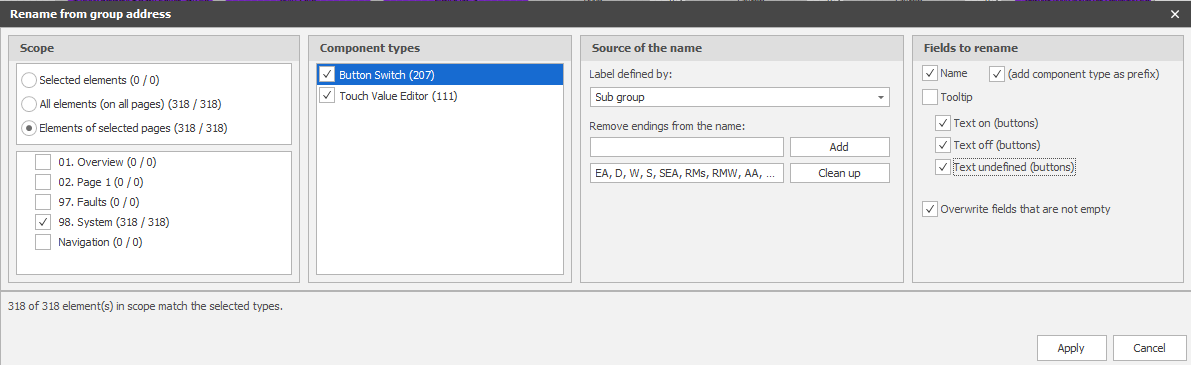
Name by KNX-GA


Automatic naming of components using group address names


Editor_tools_KNX_Name

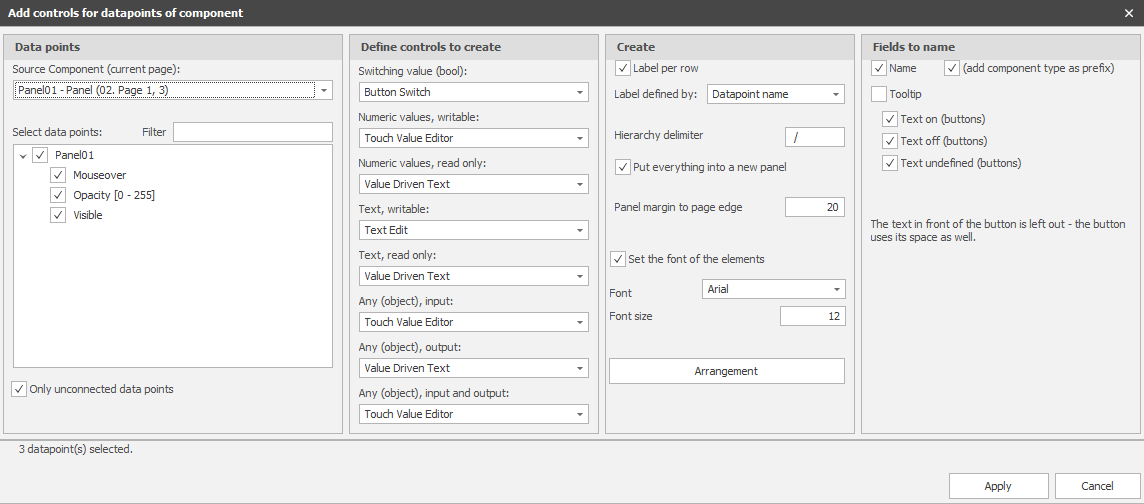
Create & Link


Automatically create control elements for  component datapoints.

- On the respective page

- Any source, e.g., drivers, logic, etc.

Editor_tools_Create_Link

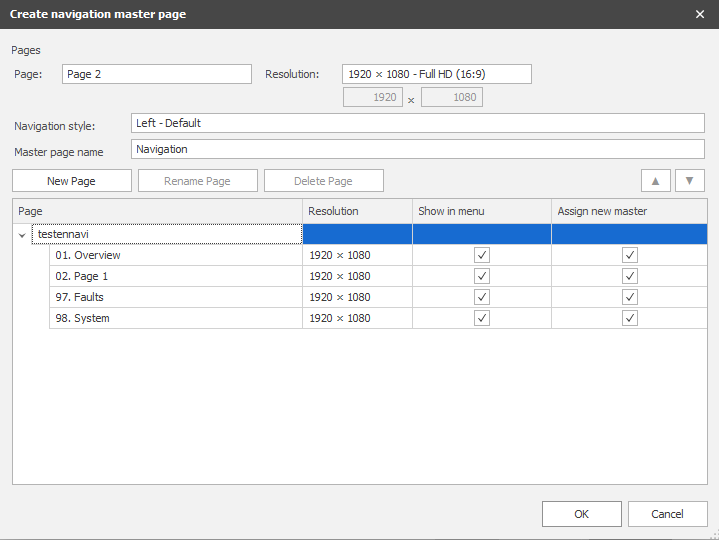
Create, Modify, and Project Wizard


Automatically generate, expand, and modify pages and navigation pages.

- Based on template files in the EisBär program folder

- Page size and component positions adjust automatically

- Navigation buttons are created according to the settings

Editor_tools_Create_navigation

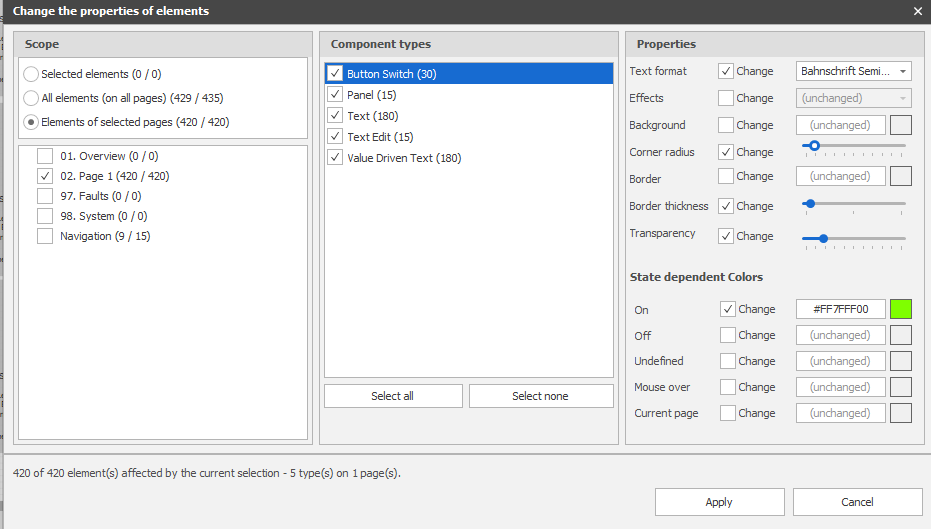
Change Look


Global change component properties based on selection, type, etc.

Editor_tools_change_look

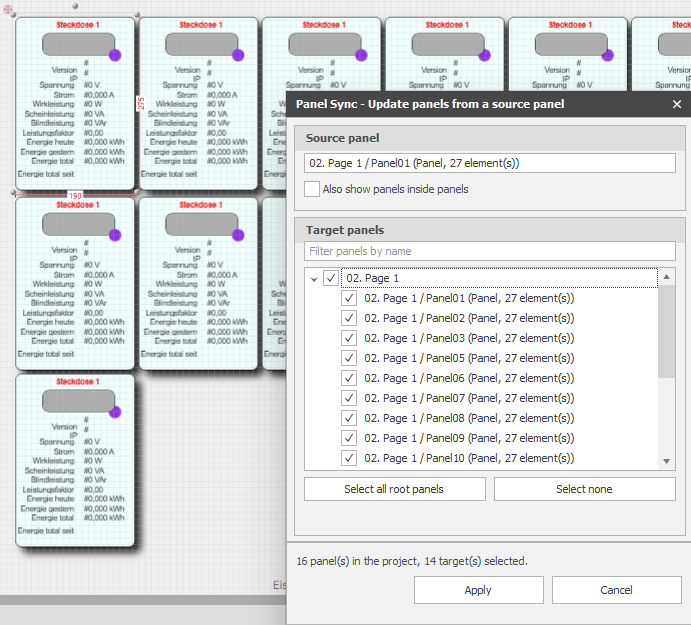
Panel sync


Sync multiple identical panels and their content.

To do this, modify one panel.

All selected panels are synced with this panel.

Ctrl+Alt+E opens the advanced settings, where you can adjust individual properties.

Editor_tools_panelsync