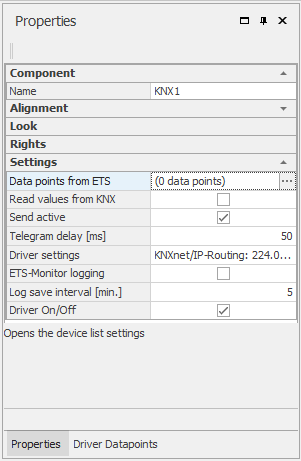
In the Properties window, the components / drivers specific setting can be made. Because this property dialog differs for each component, this chapter does not discuss it in more detail. The components section describes the properties of the individual components.
For text ads, this panel configures the formatting of the ad. For value examples, see: Formatting.