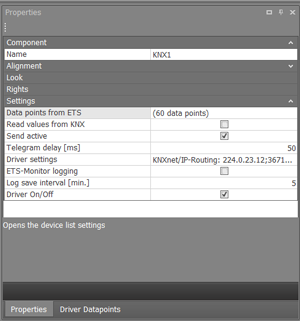
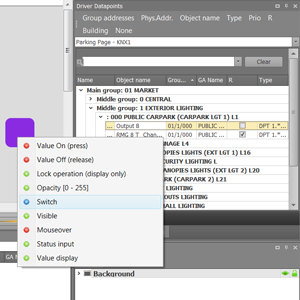
A data point list is created for each driver available in the project (in this example a KNX driver). In this list, all available group addresses are listed with which the components can be linked. The display is similar to the structure in the ETS. The sorting of the list can be selected in the top line. Without sorting, the data points are displayed freely one below the other.
Data points are dragged and dropped onto the component. This takes place respectively at the desired data point of the component.
You can find the detailed explanation on how to create the data point list in the chapter KNX Driver set up.