The RTSP stream must be enabled on the Mobotix door intercom to use it.
Open the Admin Menu\Camera Administration\Integration Protocols.
First, the stream settings should be reset to factory defaults.
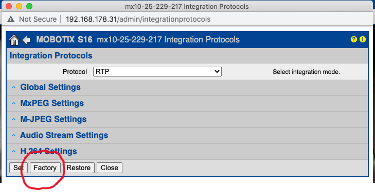
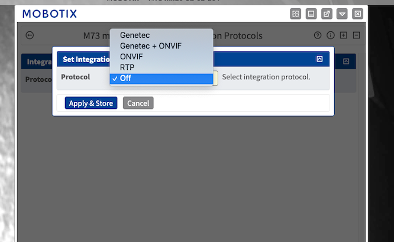
RTP must be enabled.
Under Stream Settings, the available streams are configured. Here, h264 is selected. Example call address for stream 1 in the Eisbär IP camera and media viewer:
rtsp://NAME:PASSWORT@192.168.0.30:554/stream/profile0