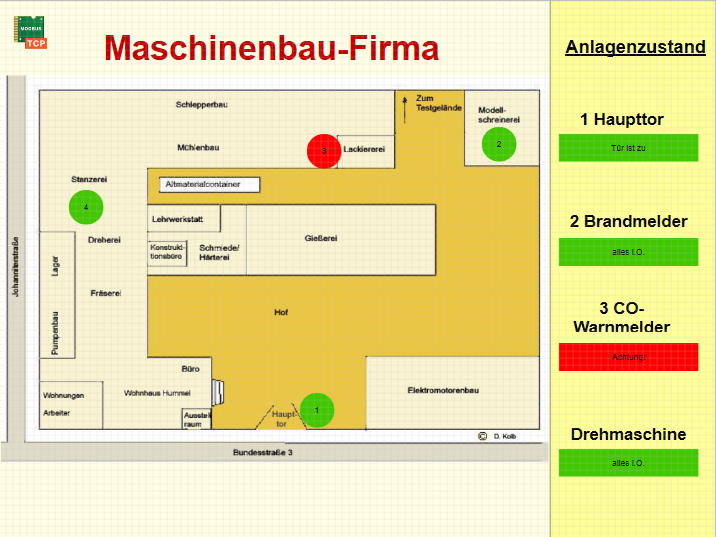
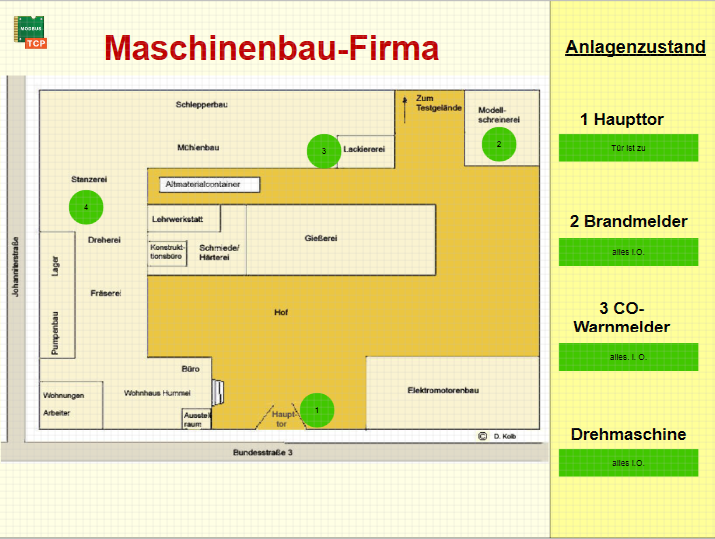
Visualization with Wago 750
Fieldbus controller used: Wago 750 - 352 with digital inputs, Modbus TCP
Visualization software used: EisBaer SCADA 3.0
Important information about the fieldbus controller
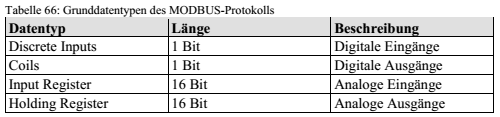
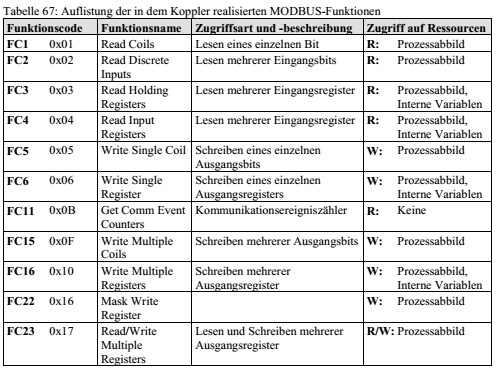
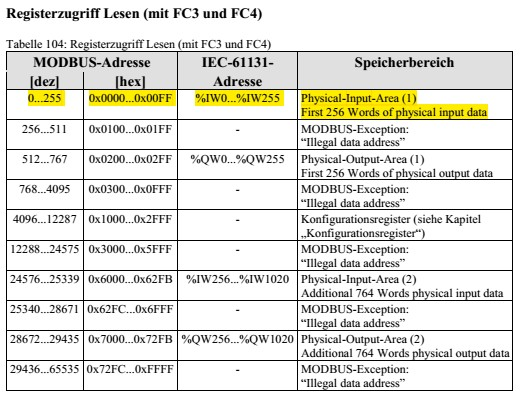
1. Create a new project in EisBaeren
2. Add driver
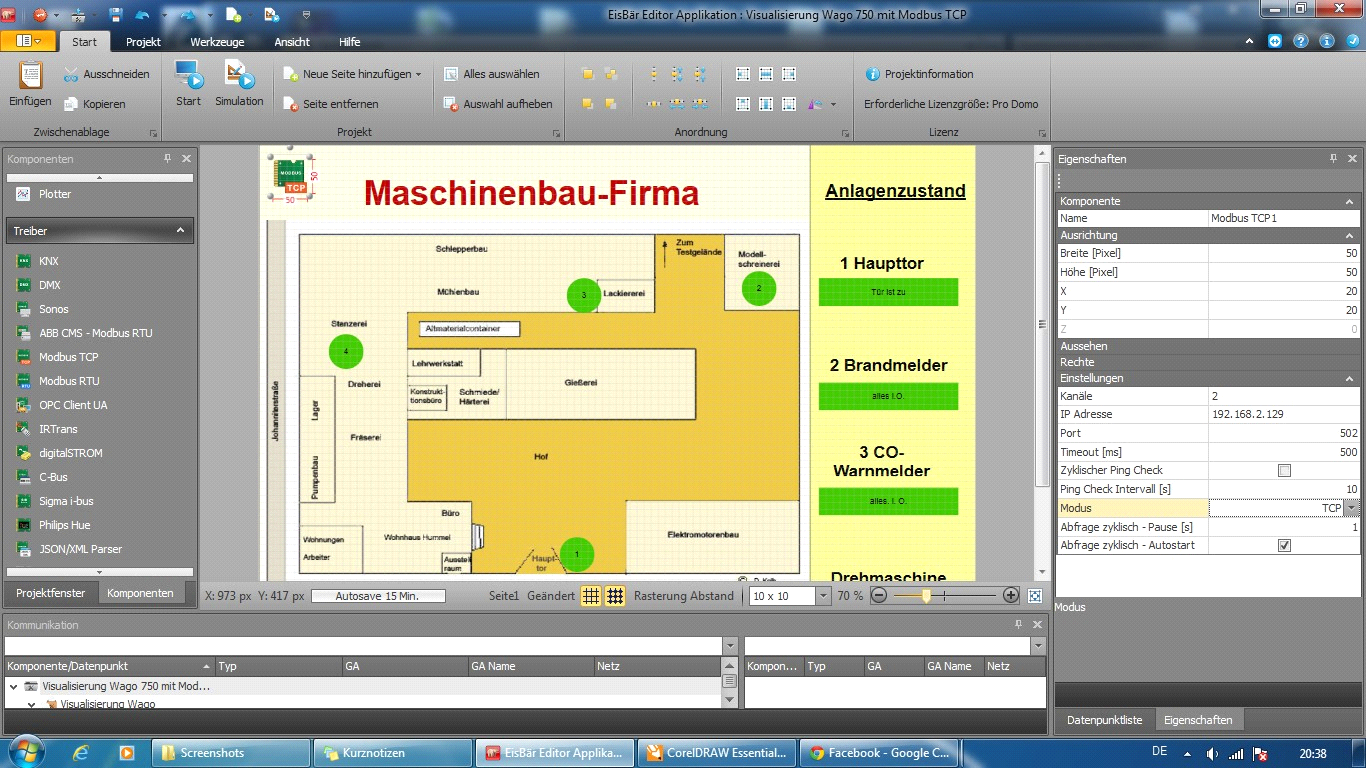
- Click on "Modbus TCP" driver and click into the working area
- Click on the driver symbol and on the right side select Properties
o Define IP address
o Specify port (The Wago has port 502 by default)
o tick on "polling cyclically"
3. Insert channels
- Click on the [...] behind the channels under the driver properties
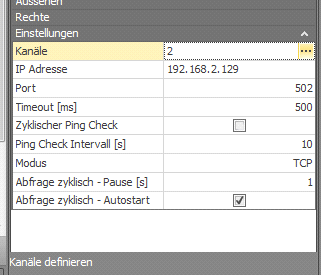
- Insert a new channel via the "+"
Driver propertys |
parameterization |
Name |
The channel name |
Device-ID |
The slave ID does not play with the Wago (Modbus TCP) used Role, since the addressing takes place via the IP address |
function |
Read digital inputs (bitwise) à Input register Bit access (reading) (4)
Read digital input word by word (16-bit value) à Read input register (4)lesen (4) |
Address |
Addresses will be distributed to the Wago after arrangement of the modules
Exception: Analog cards are arranged in front of the digital cards in the process image, this is independent of the arrangement of the modules (page 151 in the manual).
The comma is just a placeholder and does not need further attention. |
Data Type |
Specifies the data type of the information being read should
The function "read discrete input (2)" is the data type "UInt16 AB", but a Boolean value is read in |
Number |
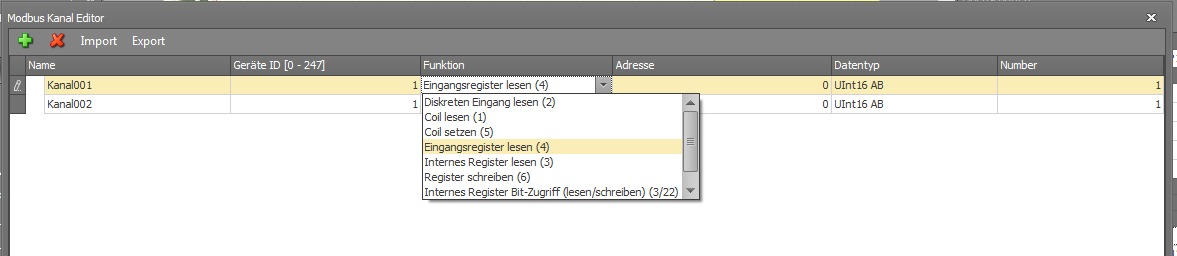
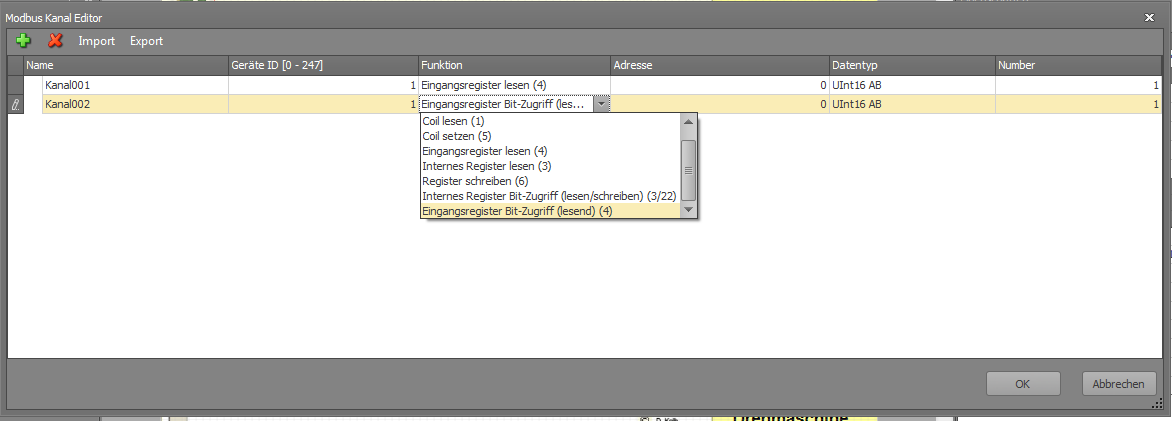
5. Now the individual channels are in the data point list
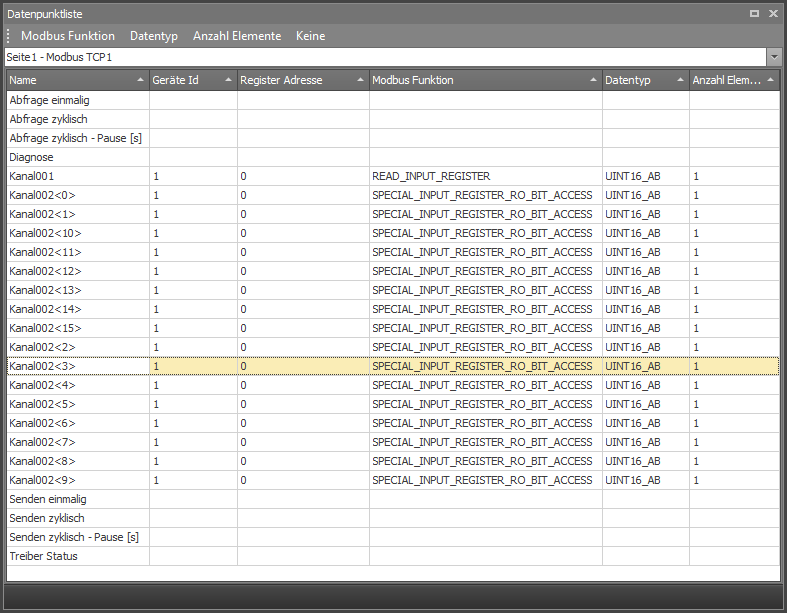
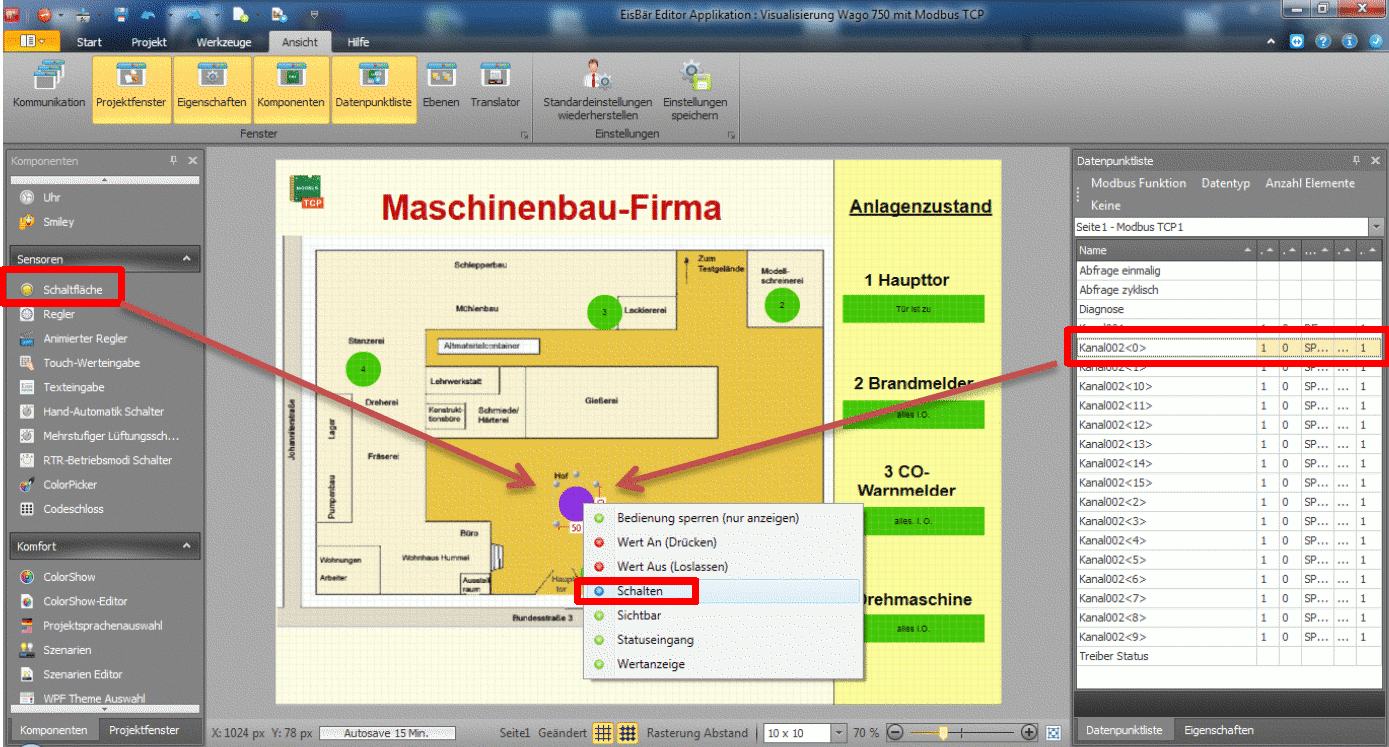
6. Select a channel and move it to an object
- Display boolean value (on / off) à Select value on button, select "Switch" and, if necessary, set a check mark in the object properties in "Lock operation (display only)"
- Move non-Boolean values (8 bits, 16 bits, ...) to "Value-dependent text" and select the value display, where the number of "#" stands for the number of digits, the "0" stands for the comma