If access is to be restricted to an entire page only, the default value Full access can be left in the component properties.
Only if the access is to be limited additionally still to certain components something must be changed at these settings.
By default no rights are assigned after deactivating full access. After that, the rights only have to be set in one of the two views.
If rights are assigned in both views, these permissions will work in parallel. A restriction in the user view can be taken back by the rights view.
Under the properties of the respective component, in the tab Rights, the following dialog can be opened.
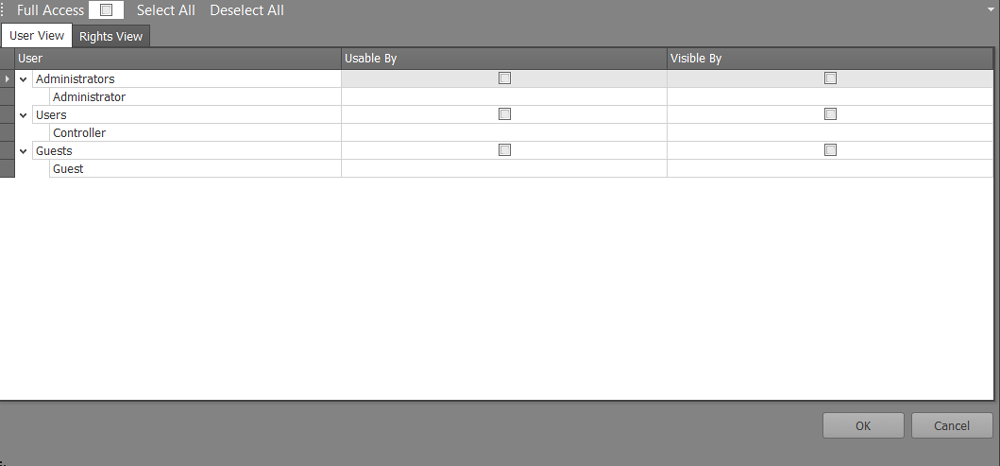
If the user view is selected, the component can be assigned to the respective users. A distinction is made between visible and operable.
ATTENTION: The selection "Select all" and "Deselect all" also affects the rights view!
If you select the "Right View", the component can be assigned to the respective created rights.