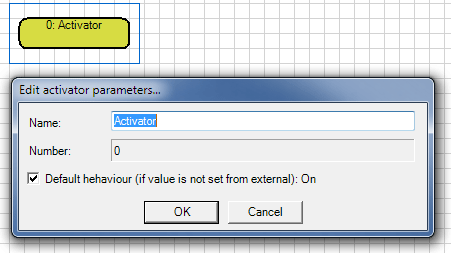
With the activator it is possible to turn the graphical logic on and off via an external Signal. After inserting this element and ending the editing process an data point called "Activator" is created at the component in the communication window.
The element can only be inserted once and has the function of activating (true) or deactivating (false) the graphical logic at runtime.
The function is only available if the property of the "Logic On/Off" component is also active.
With this technique it is possible to create several graphical logics in the visualization and enable them via external signals. Simple logic for a particular operational case can be created without worrying
about locking with another operation. For the further operational cases can also a simple Graphical logic be created. Now you can activate depending on use case, a graphical logic and deactivate the other, and vice versa.
Note: The data point of the activator is type Boolean. The logic is turned on when the an on signal is present at input.