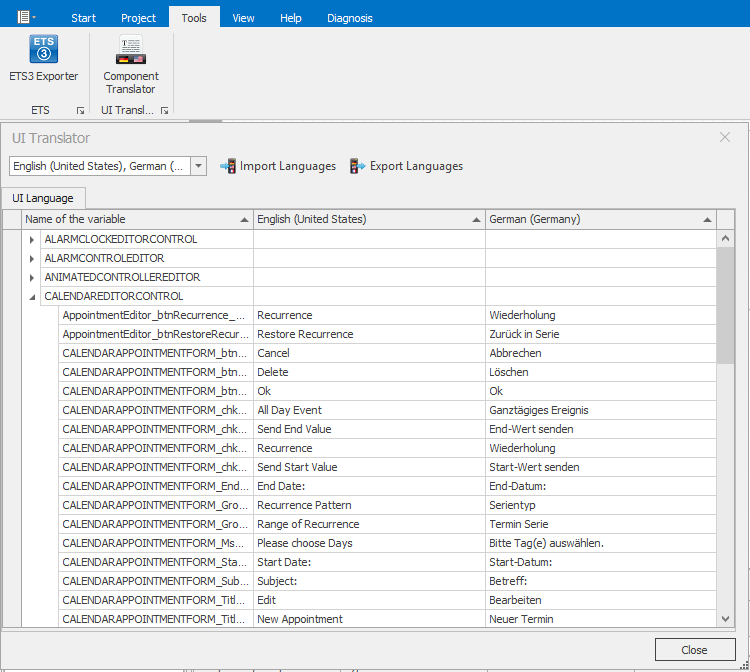
Under Tools --> Component Translator the required languages are activated via the pull-down menu.
German and English texts are already entered. For all others, the English texts are stored.
Attention: The same language must be set in the Translator as in the Component Translator.
Note: In order for the language files to be created, a one-time text change must be made in each activated language. Otherwise the language selection will be discarded when leaving the dialog. To make the new language available in the editor, the editor must be restarted.